5 Operation
44 Operating Manual ARC 400 BOWA-IFU-11779-ARC400-V2.1.0-S0-EN
5.4.4. Assigning the foot pedal
Handles and instruments with manual switches can be activated without
a configuration setting.
A single-pedal foot switch and/or double-pedal foot switch, each with a
changeover switch, can be connected,
The changeover switch enables switching between pedal levels.
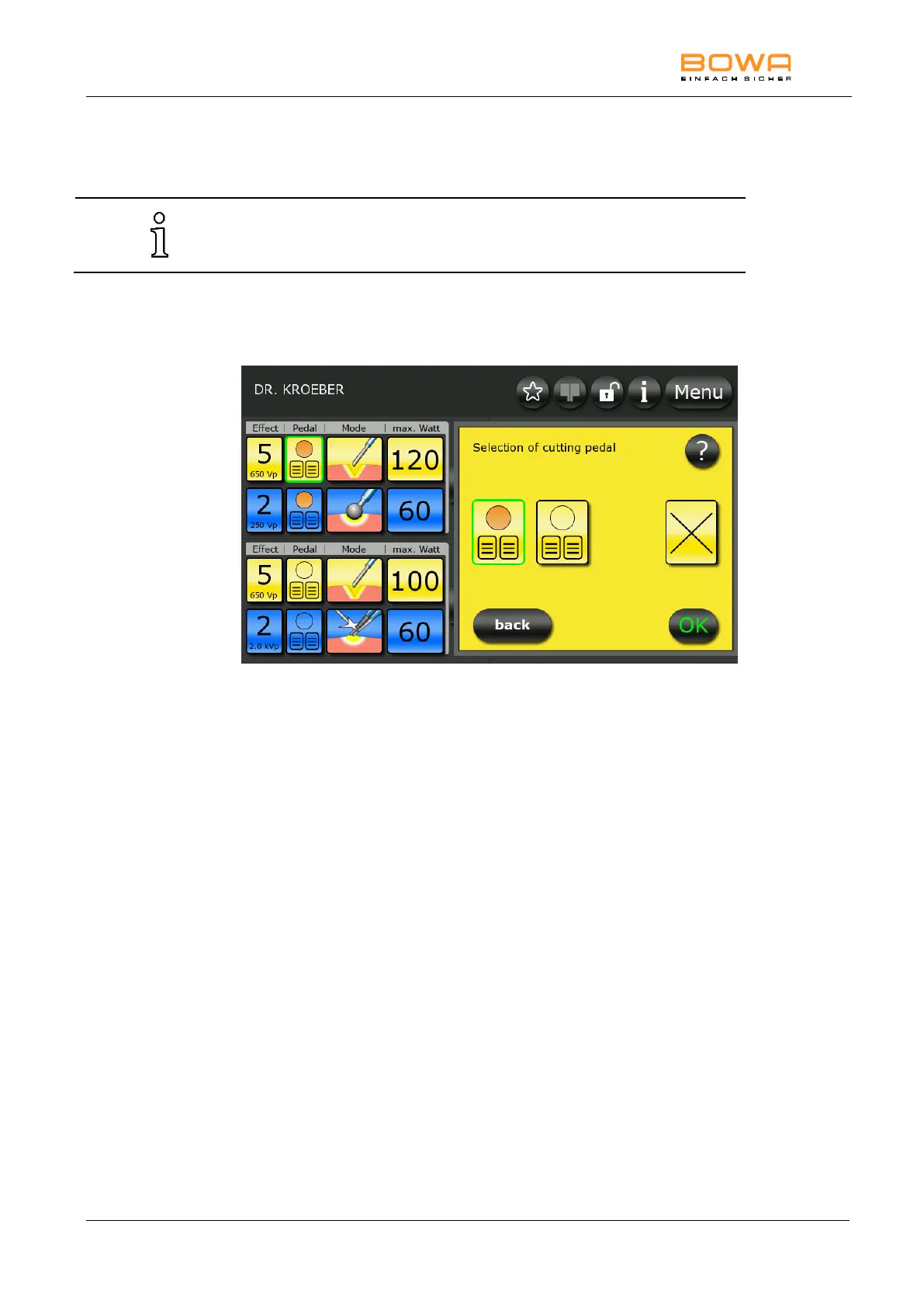
Figure 5-11: Foot switch selection cutting
1. Select the footswitch menu by pressing the button “Pedal”.
2. Select the desired foot switch by pressing the corresponding button.
For example, choose the active pedal level for cutting and coagulation
of the upper left socket.
- or -
Deactivate the foot switch by pressing the button marked with a „x“.
The edge of the selected button lights up green.
3. Confirm the selection by pressing the "OK" button.
- or -
Press the "Back" button to return to the main screen without changing
the selection.
The socket is assigned to the active pedal level.
4. Pedal levels can be changed using the foot switches. Press the orange
button to change the socket.
The orange background indicates that the lower left-hand socket is
activated.



 To Next Page