5 Operation
40 Operating Manual ARC 400 BOWA-IFU-11779-ARC400-V2.1.0-S0-EN
5.3. Unlocking the screen
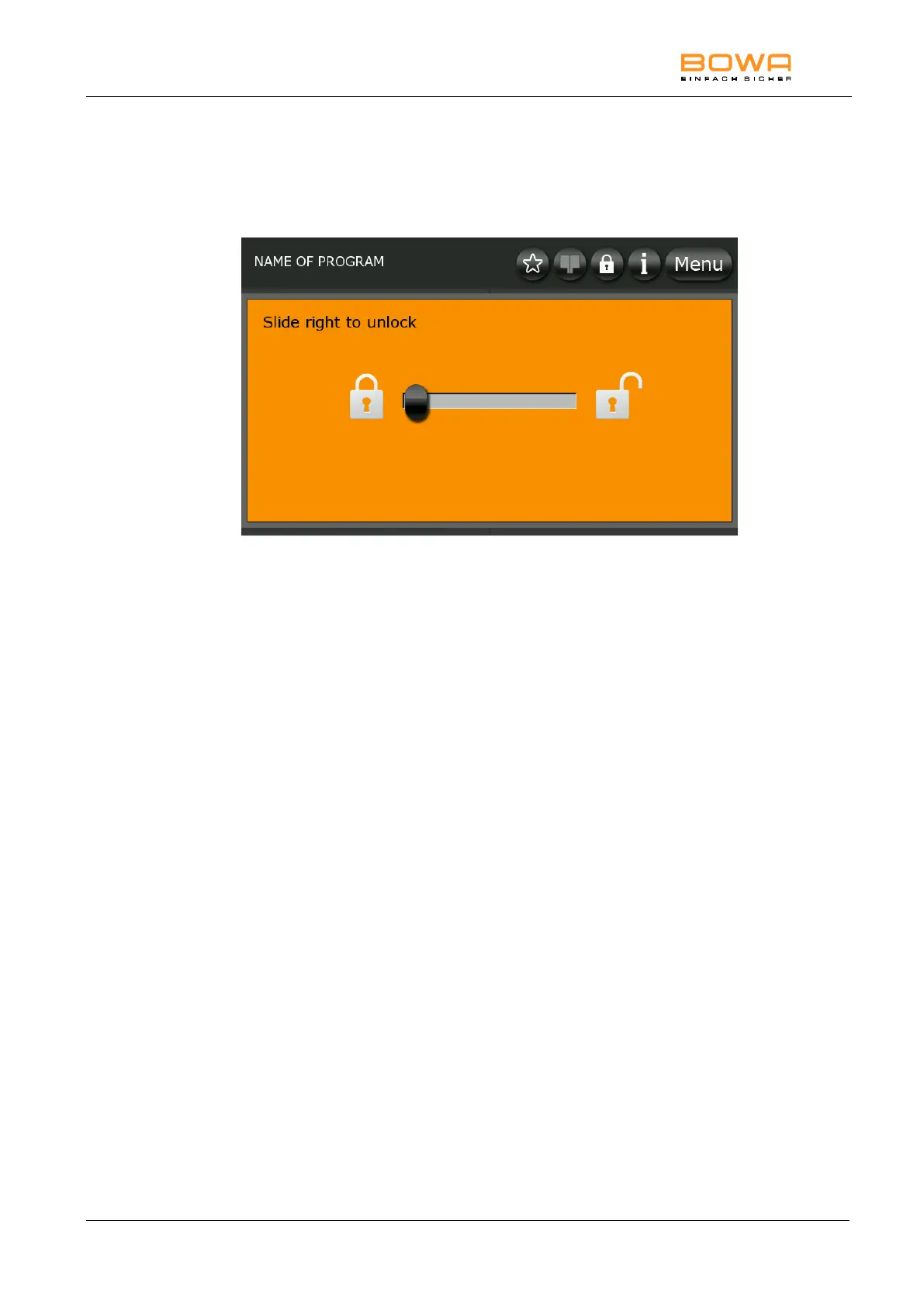
The device screen is locked automatically. To unlock it, press any key and
then drag the slider from left to right. An open padlock icon will appear on
the status bar.
Bild 5-7: Unlocking the screen
You can disable key locking or change the time delay for automatic screen
locking; see Section Menu "System Settings" dialog", page 80.



 To Next Page