5 Operation
80 Operating Manual ARC 400 BOWA-IFU-11779-ARC400-V2.1.0-S0-EN
5.10. Menu dialogs
The menu dialogs specify the settings of basic parameters, such as the
user interface language and audio, display and memory options.
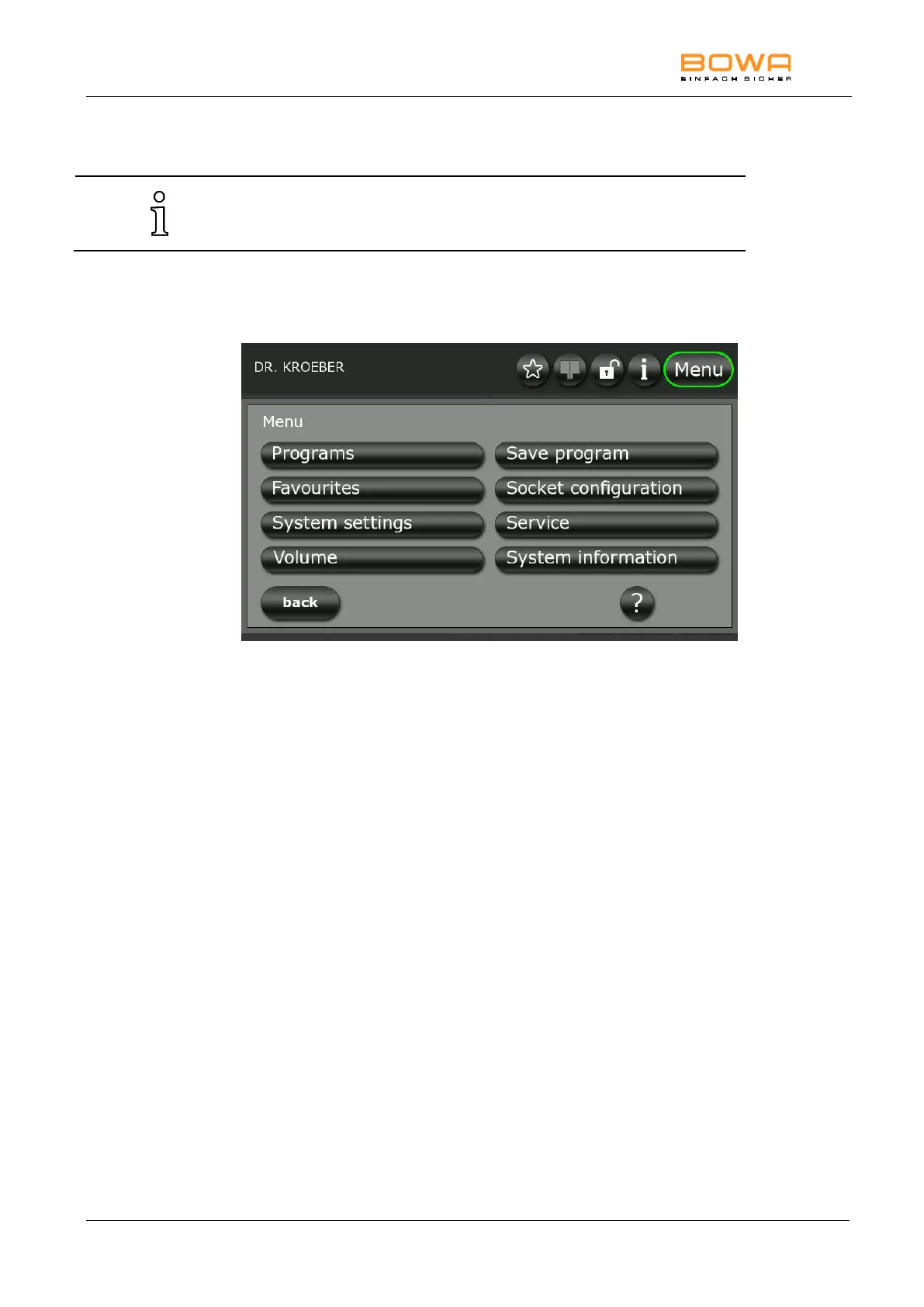
5.10.1. Overview
The following menu dialogs are available:
Figure 5-19: Menu dialogs
Selecting a dialog
Press the button of the desired dialog to launch the program.
Exiting a dialog
Press the "back" button to return to the main screen.



 To Next Page