5 Operation
BOWA-IFU-11779-ARC400-V2.1.0-S0-EN Operating Manual ARC 400 39
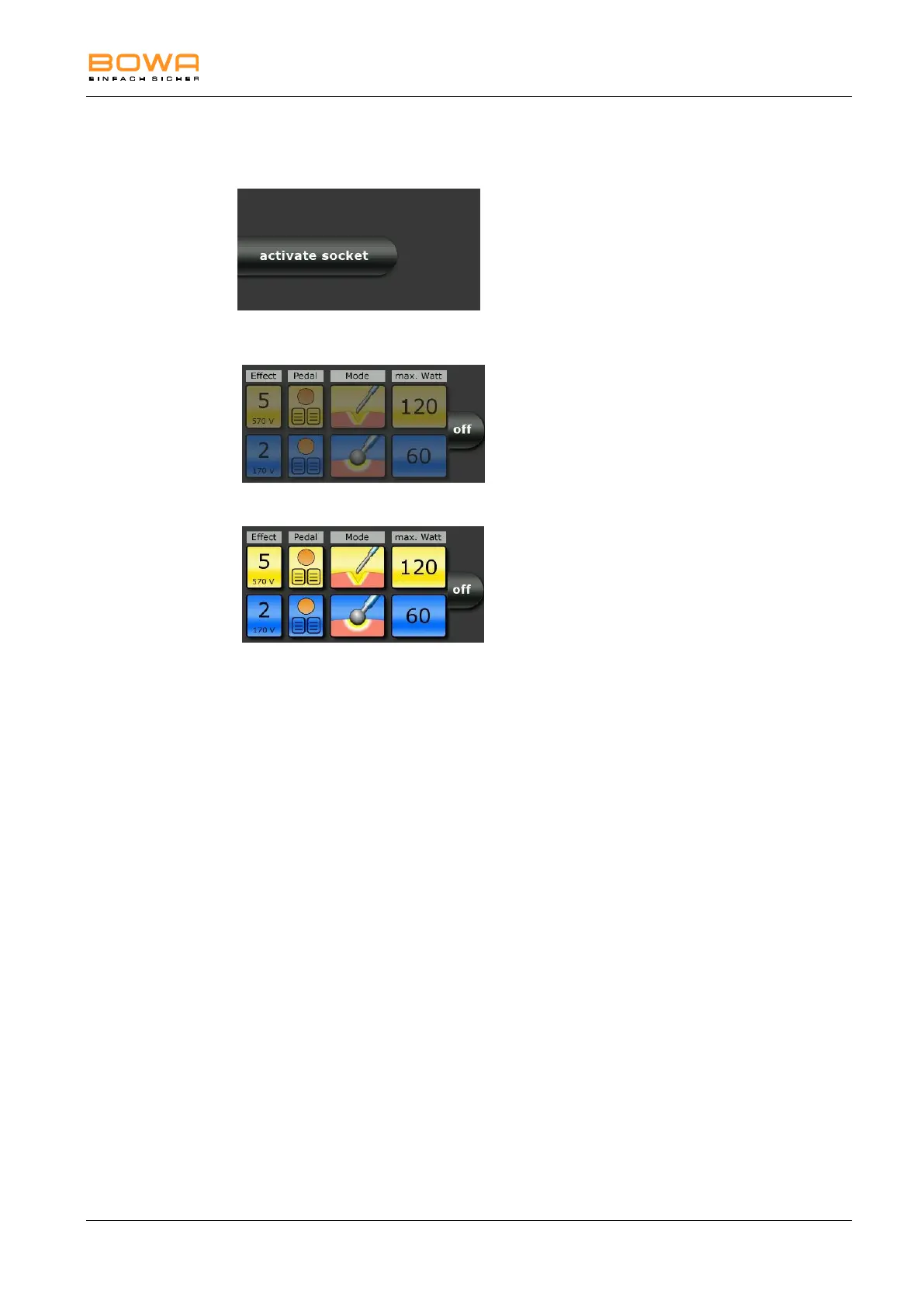
5.2. Activating and deactivating connectors
To activate a deactivated
socket connector, plug a connecting
cable into the connector.
– or –
Press the "activate socket" button.
An overview of the connector
settings appears.
Figure 5-4: Deactivated socket
The overview is greyed out if no
instrument is connected to the socket
connector.
Figure 5-5: Unused socket
The socket illumination extinguishes
and connector lights up when an
instrument is plugged in.
To hide the selection, press
the "off" button next to the connector
settings overview.
Figure 5-6: Activated socket
The socket cannot be hidden when an
instrument is plugged in.



 To Next Page