5 Operation
84 Operating Manual ARC 400 BOWA-IFU-11779-ARC400-V2.1.0-S0-EN
With the password 001224 you enter the service level 1.
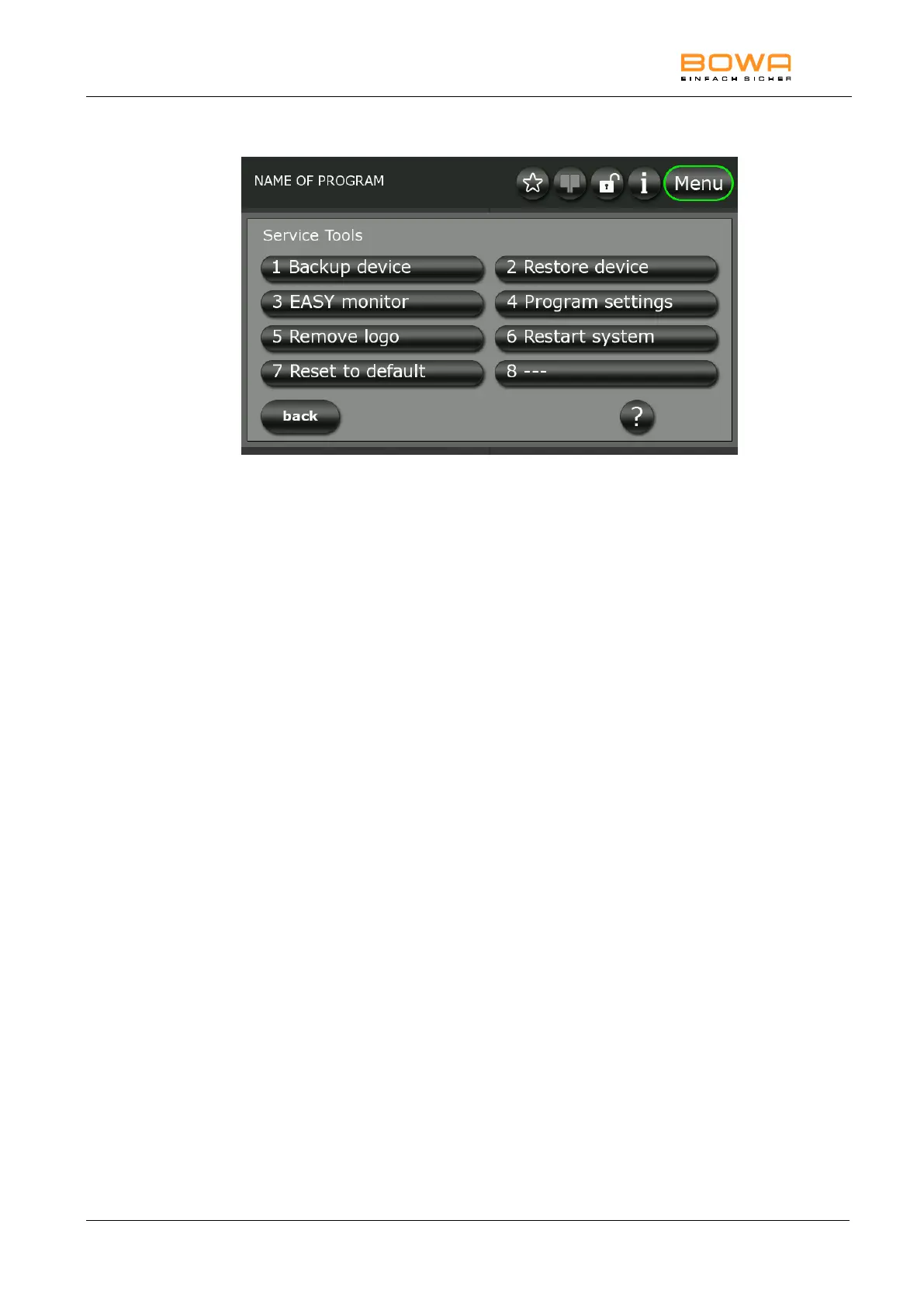
Figure 5-23: "Service Tools" dialog
Saving device settings
With the function "Backup device" device settings can be saved on the
BOWA USB Stick (REF 900-402). This includes all stored programs and
system settings.
Transferring device settings
Use "Restore device" to transfer saved device settings from a BOWA USB
Stick (REF 900-402) to the ARC 400 unit.
Program settings
The “Program settings” function can be used to configure permissions for
saving, deleting and editing programs.
Deleting the startup screen
In the service menu, the stored startup screen can be deleted using
"Remove logo".
Add logo
See 5.4.9.
Resetting to factory settings
The "Reset to default" function allows you to reset all settings and
programs to factory settings.
Save logfiles
This function can be used to save data on a BOWA-approved USB stick.
This data can be used for a system analysis and can be sent by email to
service@bowa.de, for example.



 To Next Page