18
NavMate Software Operation
NAVIGATION
Before operating your NavMate software, please carefully read and follow the instructions
provided in the “Safety Information and Precautions” section of this manual.
Start up/Main Menu
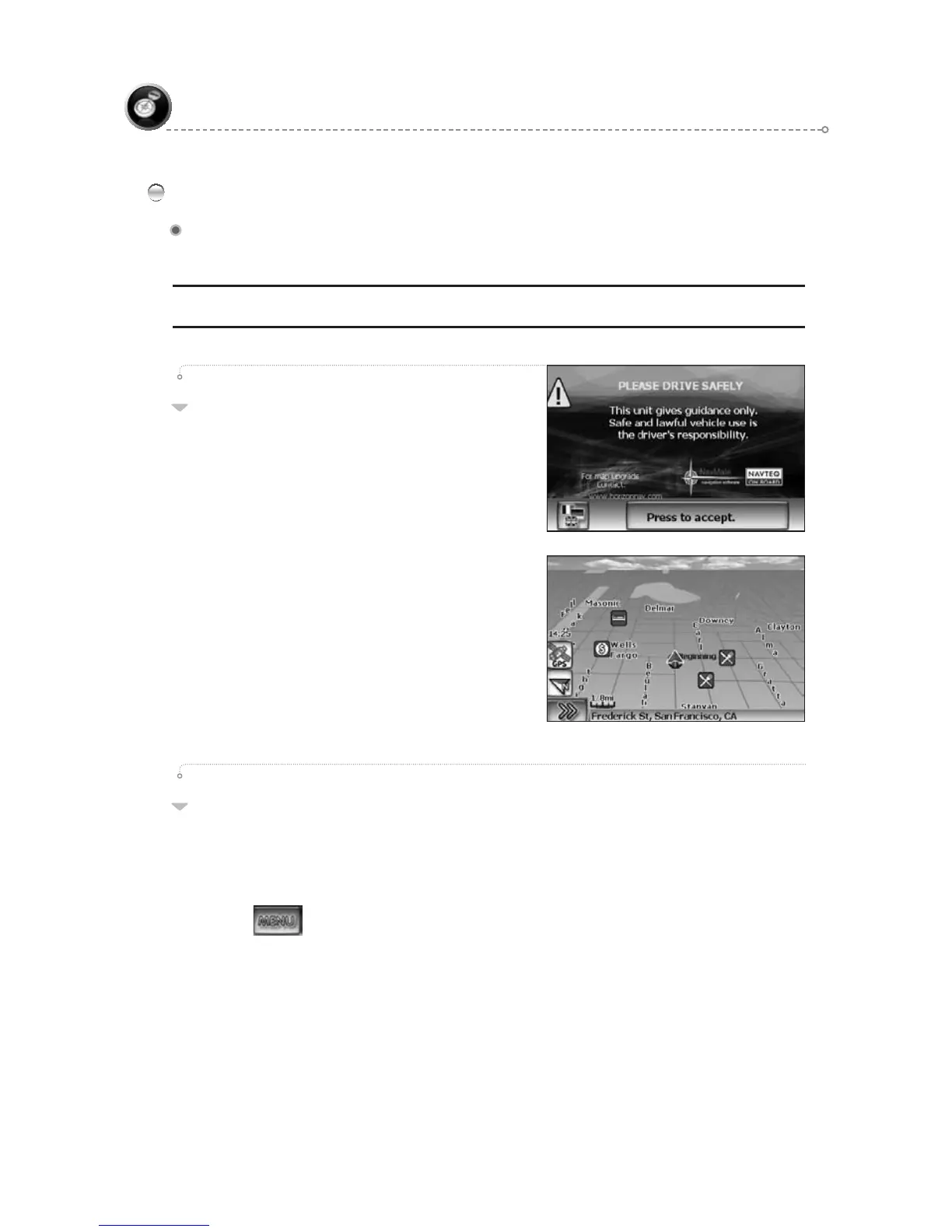
After the NavMate software starts, you
will see the reminder warning to use your
NavMate software safely and lawfully.
01
Warning Screen
Main Map Screen
Select Destination
You have many ways to select a destination.
For this example, let’s find a nearby Airport.
Select by touching screen:
● icon (F3) to activate main menu.
Start Route Guidance●
Point of Interest●
State/Province NOTE:● The software remembers the last State/Province,
so this step is not necessary every time.
By Category●
Airport●
Sort by Distance●
Select one of these and the system will calculate a route to that destination ●
using the criteria set in the Setup menu.
02
Quick Start
Follow these four easy steps and you are on your way.



 To Next Page