70
NAVIGATION
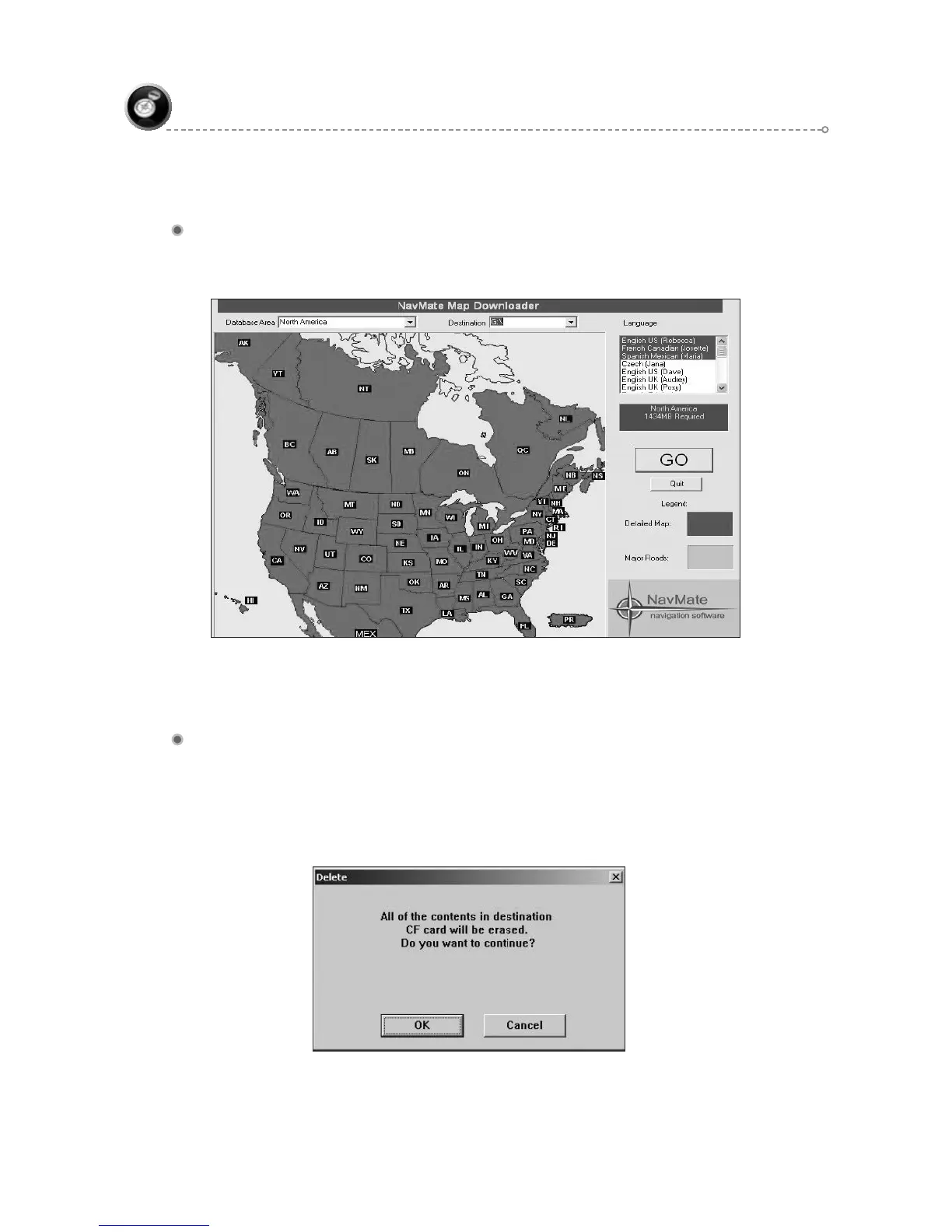
Select the Destination
To select the Destination, click on the down arrow of the Destination option and then
select the destination drive of the memory device.
After making all the above selections click on “GO” button to start the downloading
process.
The Process of Copying
After the downloading process starts the following windows will appear based on the
memory card device.
If the CF card is connected then:



 To Next Page