73
NAVIGATION
Backup
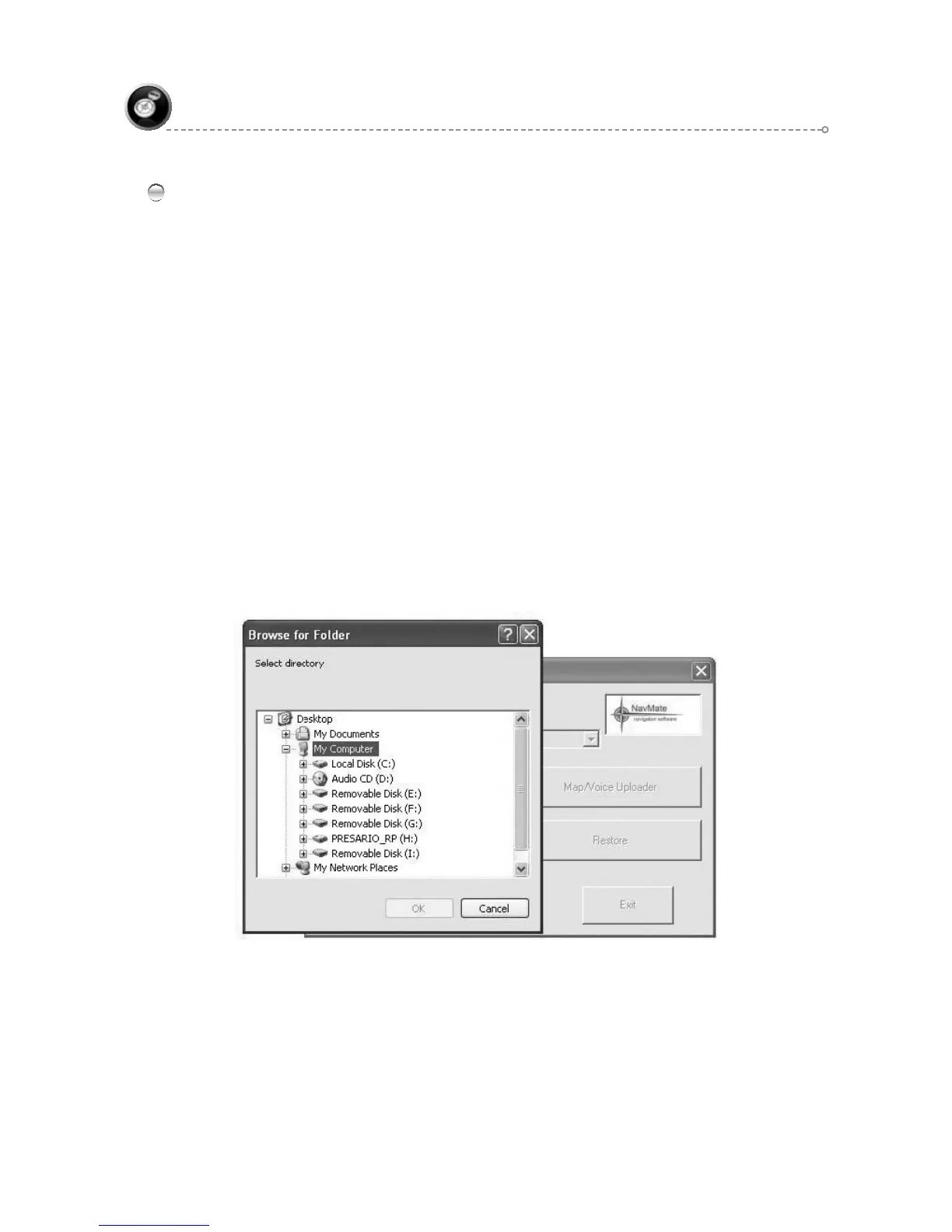
Backup utility is intended to store user specific data from the navigation unit to local drive.
Data is copied from directory /Storage from root of unit to user selected ●
destination directory. Entire content of the directory will be copied, including
subdirectory.
When backup utility is started, destination directory dialog appears. User can
●
select directory by navigating through directory tree. User can choose OK to
confirm directory selection or Cancel.
When backup process is started, progress dialog box appears. The dialog ●
has only one button Cancel to interrupt process. If process is interrupted no
cleanup operation is undertaken.
During backup operation, data is being copied from /Storage directory on the ●
unit to directory YYYYMMDD.HHMMSS.nsu – where:
YYYY – year, MM – month, DD – day. HH – hour(0-24), MM -minutes (00..59),
SS – seconds (00..59).nsu
Eg. 20070606.121225.nsu
If destination directory exists and is not empty, warning box appears to
●
confirm overwrite files. The box contains OK and Cancel button. OK confirms
operation to continue. Cancel terminates backup process.



 To Next Page