64
NAVIGATION
Select Device and Language function
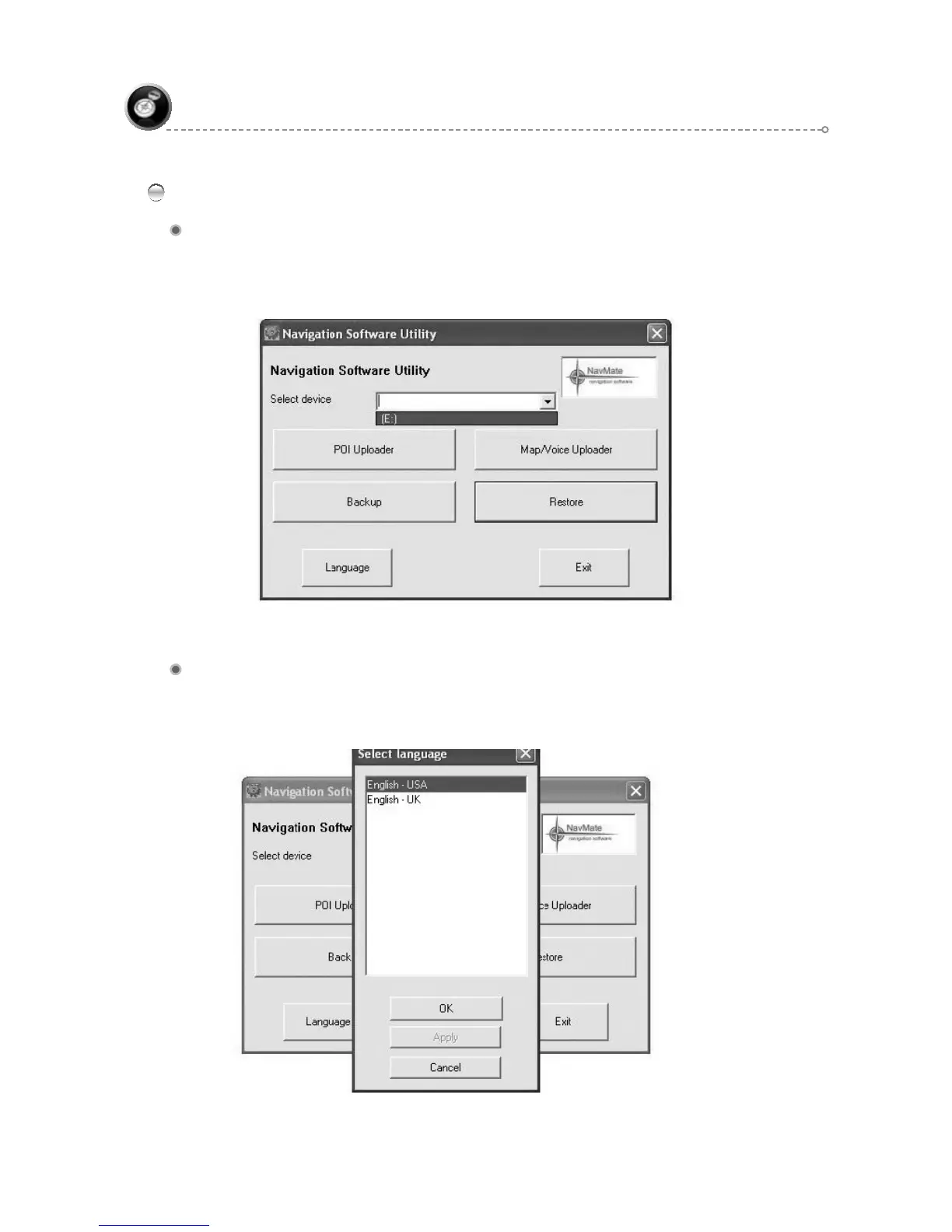
Select Device
Select Device allows you to access your navigation SD card or navigation device.
For example, if your navigation SD card is inserted in E: drive, you will be able to
select it.
Language
It allows you to select different languages when running NavUtil. So far it supports
US English, UK English and Russian.



 To Next Page