23
NAVIGATION
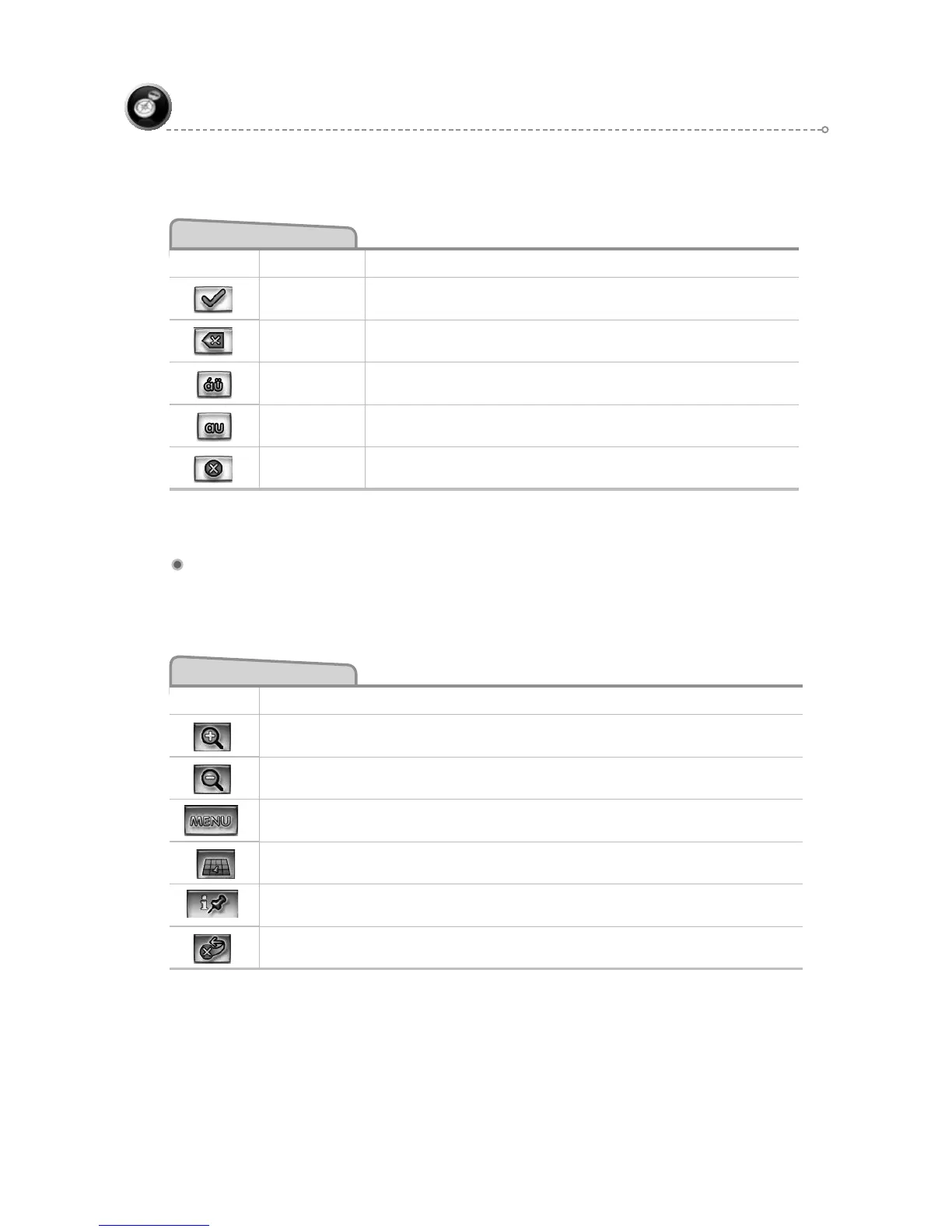
Spell Mode Buttons
Button Mode Press This Button to...
Spell
Select currently input characters and show list of
matches.
Spell Delete last entered character.
Spell
Switch keyboard from QWERTY layout to special
character layout.
Spell
Switch keyboard from special character layout to
QWERTY layout.
Spell Quit Spell Mode and return to List Mode.
Map Screen
The table below explains the button functions available on the Map Screen.
Map Buttons
Button Press This Button to...
Show smaller map area.
Show larger map area.
Show Main Menu.
Change type of map view.
If no active route, select current location.
Exit
F1
F2
F3
F4
F5
F6



 To Next Page