20
Using Your NavMate Software
NAVIGATION
The best way to learn about this product is to explore it, while observing the safety
precautions discussed earlier.
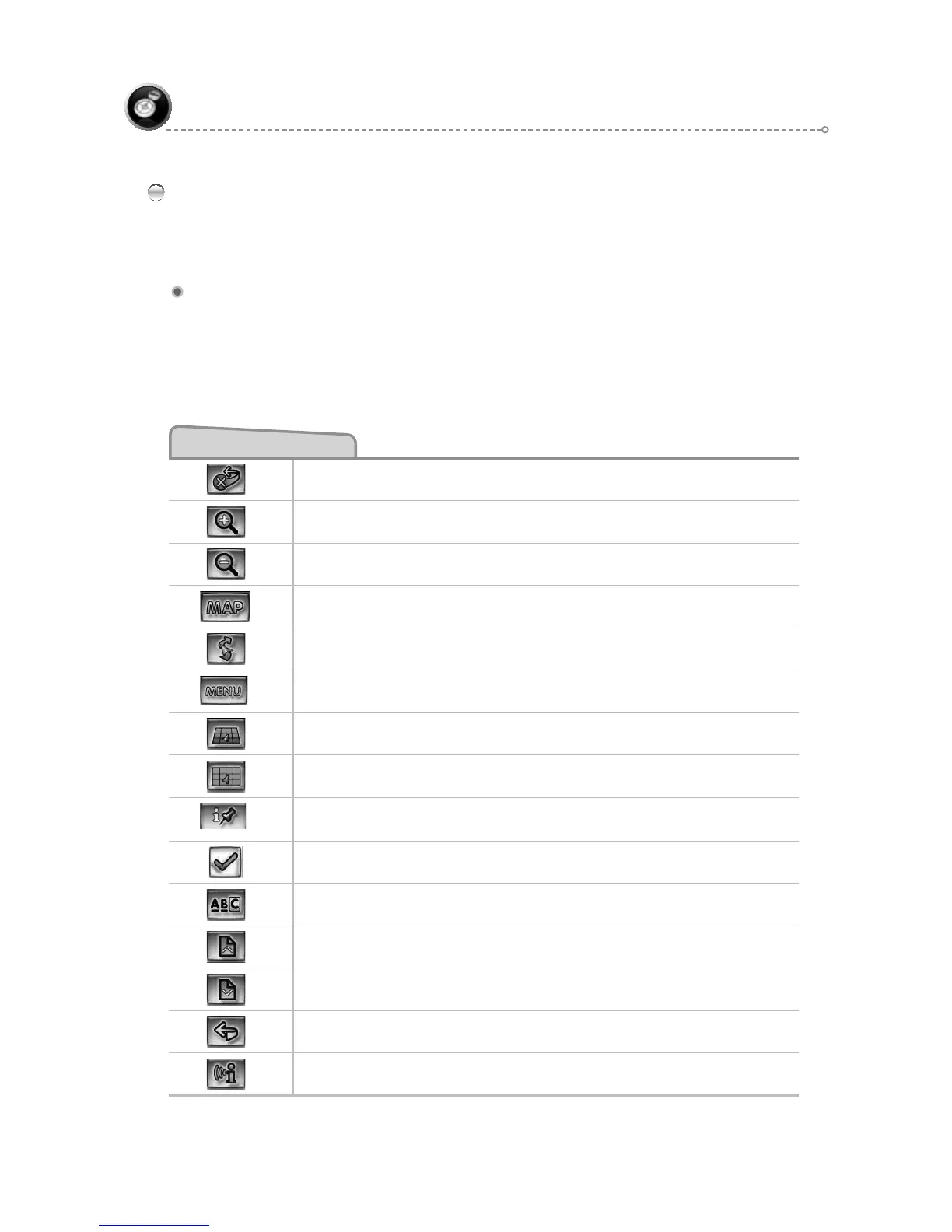
Function Buttons
Exit from Navigation
Zoom in the map to show a smaller area
Zoom out the map to show a larger area
Return to Map mode
Center map on current vehicle location
Display menu, jump to main menu.
Display map in 3D view.
Display map in 2D view.
After panning map, select current panned position.
Select currently highlighted item.
Display spell mode.
Page up in displayed list.
Page down in displayed list.
Go back one step.
Repeat voice instruction.
Function Buttons
The buttons on the bottom of the display are called function buttons. These buttons
change labels and function depending on the screen displayed.
The list below provides a brief description of the function buttons.



 To Next Page