21
NAVIGATION
Navigation Menus
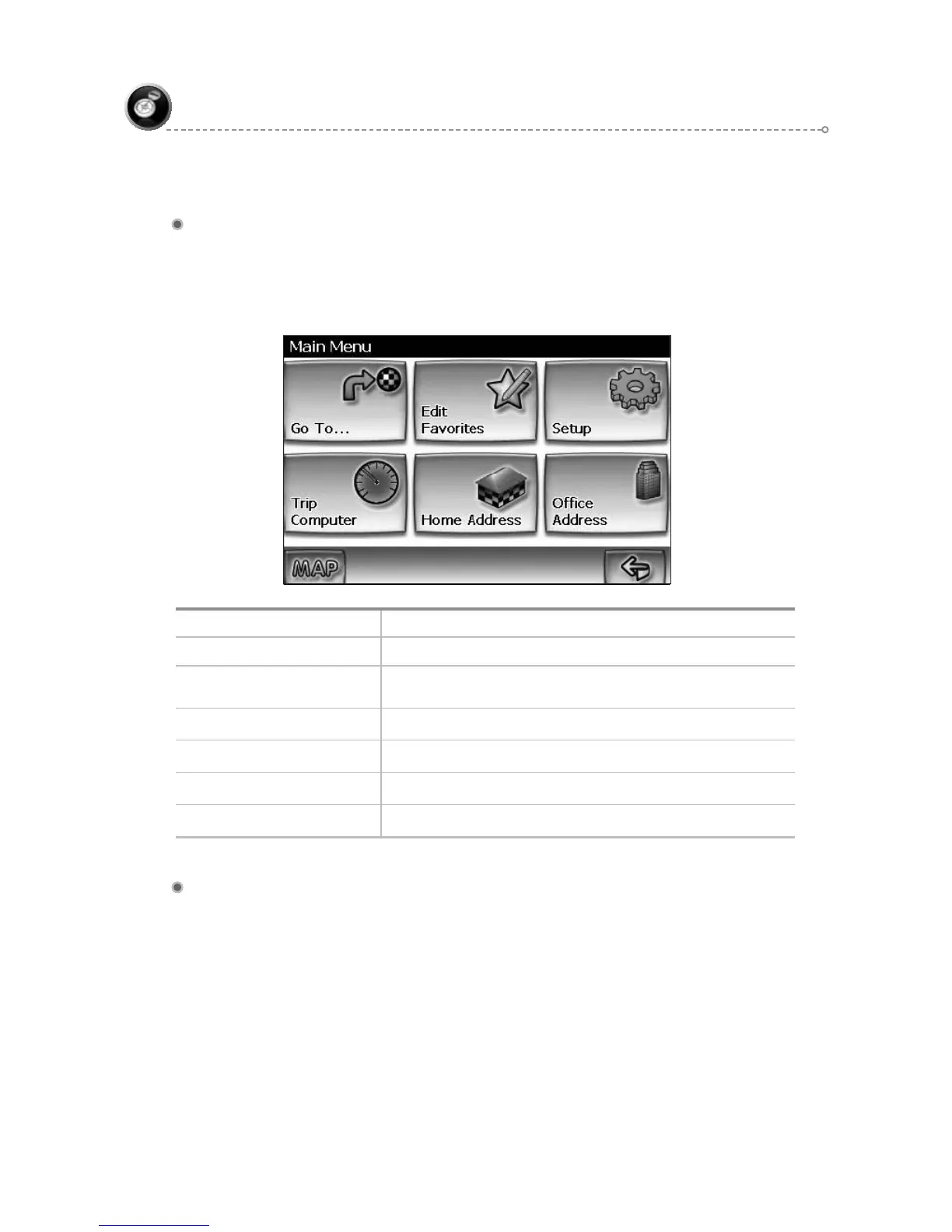
The table below briefly describes the Main Menu options.
Main Menu Options At-A-Glance
Main Menu Option Select this Option to...
Go to… Pick a destination for routing.
Edit Favorites
Add or modify destinations in Address Book, Home
Address, Office Address Trail Book and Trip Book
Setup Set preferences for routing and navigation display.
Trip Computer Display Speed, Trip, Odometer and Clock readings.
Home Address Route to home address
Office Address Route to office address
List Mode, Spell Mode, and Most Recently Used
There are five ways to select a destination. Several of the methods allow you to
move through a list by scrolling using the arrow keys (List Mode) or by searching
using an on screen keyboard (Spell Mode):
Many of the lists keep track of the last five most recently used (MRU) selections.
These are placed at the top of the list in a different color and allow you to quickly
select items that are used frequently. The pictures below illustrate the List Mode and
Spell Mode screens.



 To Next Page