52
NAVIGATION
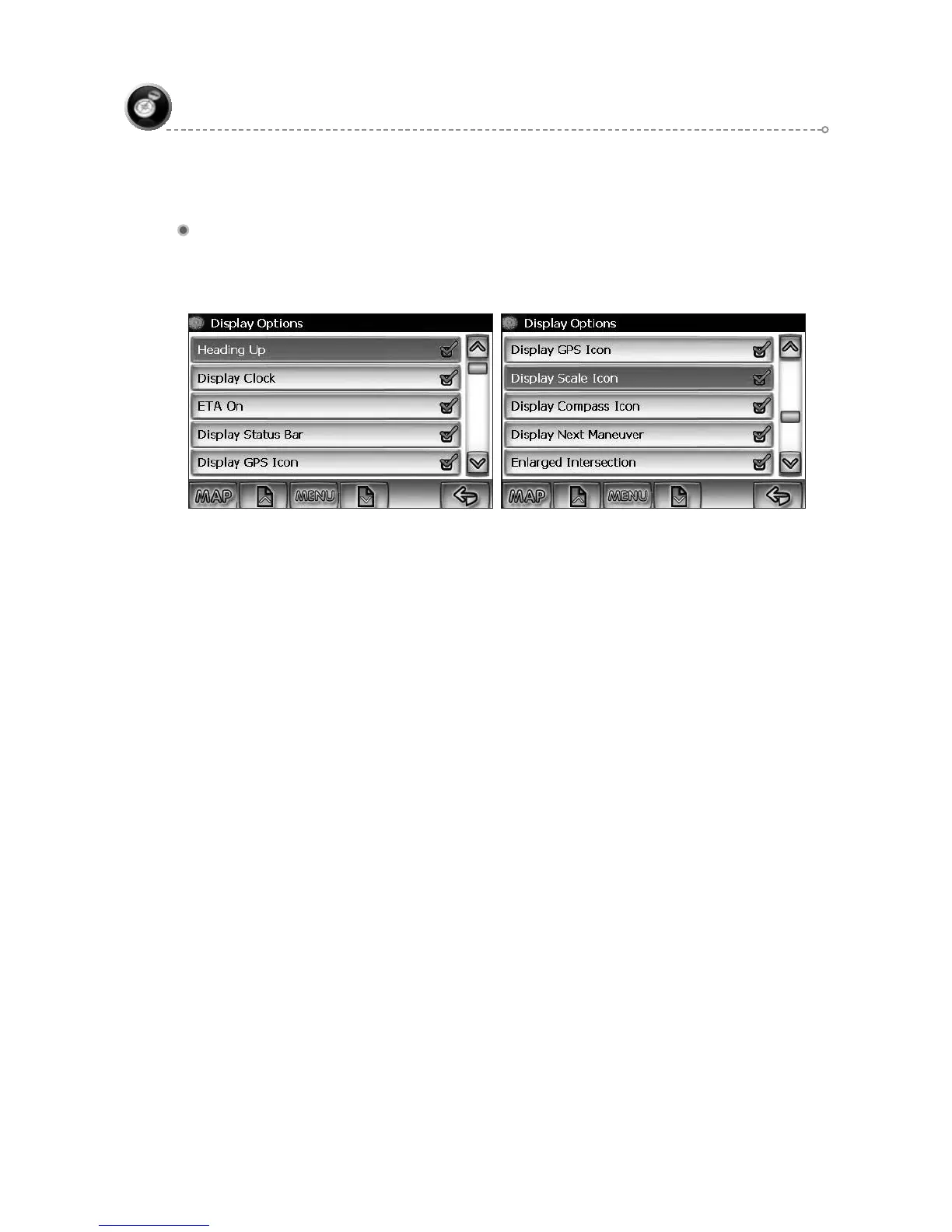
Display Options
Display options allow you to set the map orientation and some of the information
items displayed.
North Up/Heading Up – Determines if the map is always displayed with ●
North direction at the top of the screen or if map is always adjusted so that
vehicle symbol points toward the top of the screen.
Status Bar Display On/Off – Turn the display of the Status Bar on or off.●
GPS Icon Display On/Off – Turn the display of the GPS reception symbol ●
on or off.
Scale Icon Display On/Off – Determines if the map scale symbol is shown.●
Compass Icon Display On/Off – Turn the Compass symbol on or off.●
Next Maneuver On/Off – Set the display of the turn symbol.●
Soft Keys Auto-hide On/Off – Turn the function key display on or off●
Intersection Zoom On/Off – Turn the true view on or off. ●



 To Next Page