65
NAVIGATION
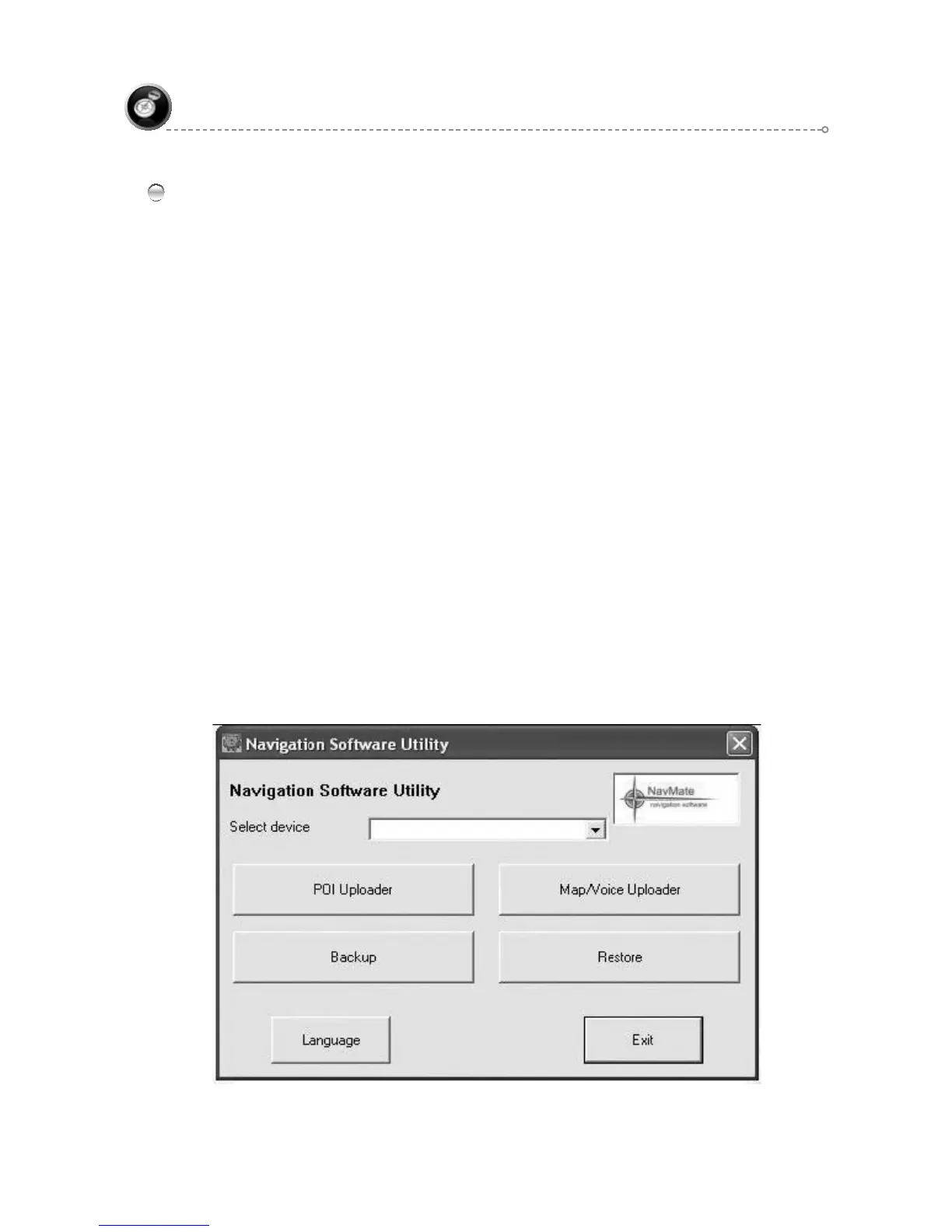
POI Uploader
POI Uploader intended to edit and upload POI categories and import and upload list of
POI’s. When POI Uploader is started it shows list of POI imported files. Whatever files
the user needs to upload should be collected and loaded.
Button “Add” adds new file to import list. By activating this button, “Open ●
file” dialog box appears. If a file is chosen then “Select category” dialog box
appears. If category is selected or created (by new button) and assigned to the
file, file name will be inserted in POI file list in front of main dialog box.
Button “Delete” allows deleting one or more selected files. When button is ●
activated a message box with prompt to delete appears. If user presses “Yes”
selected file will be removed from the file list. If “No” button is pressed, deleting
process will be terminated. “Delete” button will be disabled till; at least, one (or
more) files will be selected in the file list.
Activating “Category” pops up “Select Category” dialog box. Button “Category” ●
is intended to change assignment between imported files and categories by
editing or creating new categories.
Button “Upload” starts process uploading of file list to selected device. By ●
activating “Upload”, progress dialog box is started. If the Storage folder
does not exists in the device warning message is given so that the user can
create a Storage folder. The progress dialog box contains button to cancel
process in middle. When upload process is over the progress dialog is closed
automatically.
Button “Exit” finishes running the application and exists.●



 To Next Page