51
NAVIGATION
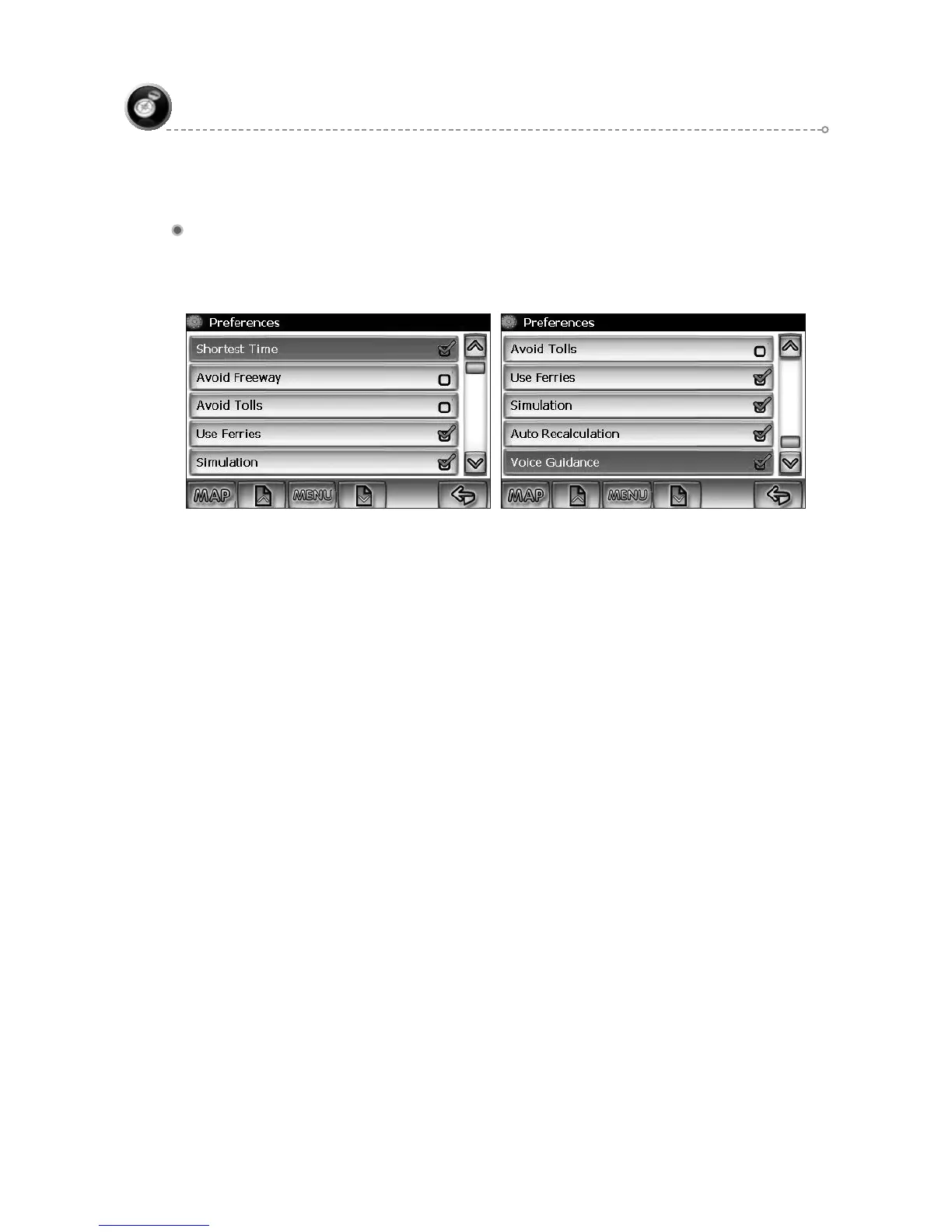
Navigation Preferences
Navigation Preferences allows you to set the simulation mode on, and set the route
calculation and guidance options.
Simulation On/Off – When On, the NavMate software will “drive” the ●
selected route even though the vehicle is not moving. This can be used to
preview a route, or show off the system to friends.
Shortest time/distance – Determines if the NavMate software emphasizes ●
finding the fastest or the shortest route.
Avoid Freeway yes/no – Determines if the NavMate software avoids or uses ●
freeways in the route calculation.
Toll Yes/No – Determines if the NavMate software uses toll roads in the ●
calculated route.
Auto recalc On/Off – When On, the NavMate software will automatically ●
recalculate the route if the current route is left.
Voice Guidance On/Off – When On, the system will give audible guidance.●



 To Next Page