33
NAVIGATION
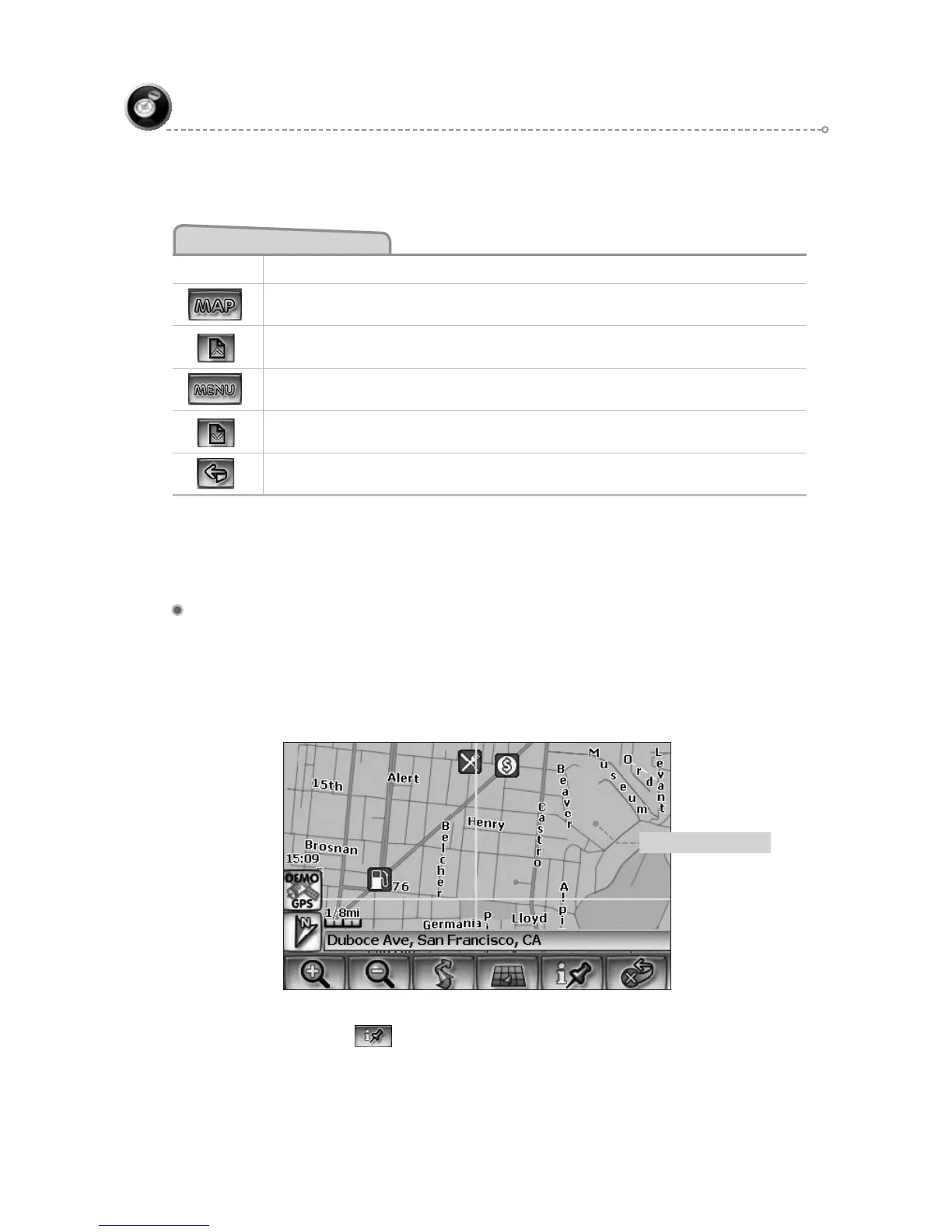
Select Destination from Map
By using Map
You may select the destination by touching the screen. The system will display the
cross hairs according to the location you touch.
Press current position to display location information about the current panned
location. Select the highlighted entry to select the panned location for the following
options.
Previous Destination Selection Buttons
Button Press This Button to...
Exit menu mode and return to map mode
Page up in displayed list.
Return back one menu level.
Page down in displayed list.
Go back one step.
F1
F2
F3
F4
F6
Panning crosshairs



 To Next Page