M610 Label Printer User Manual 67
File Management
Saving Labels
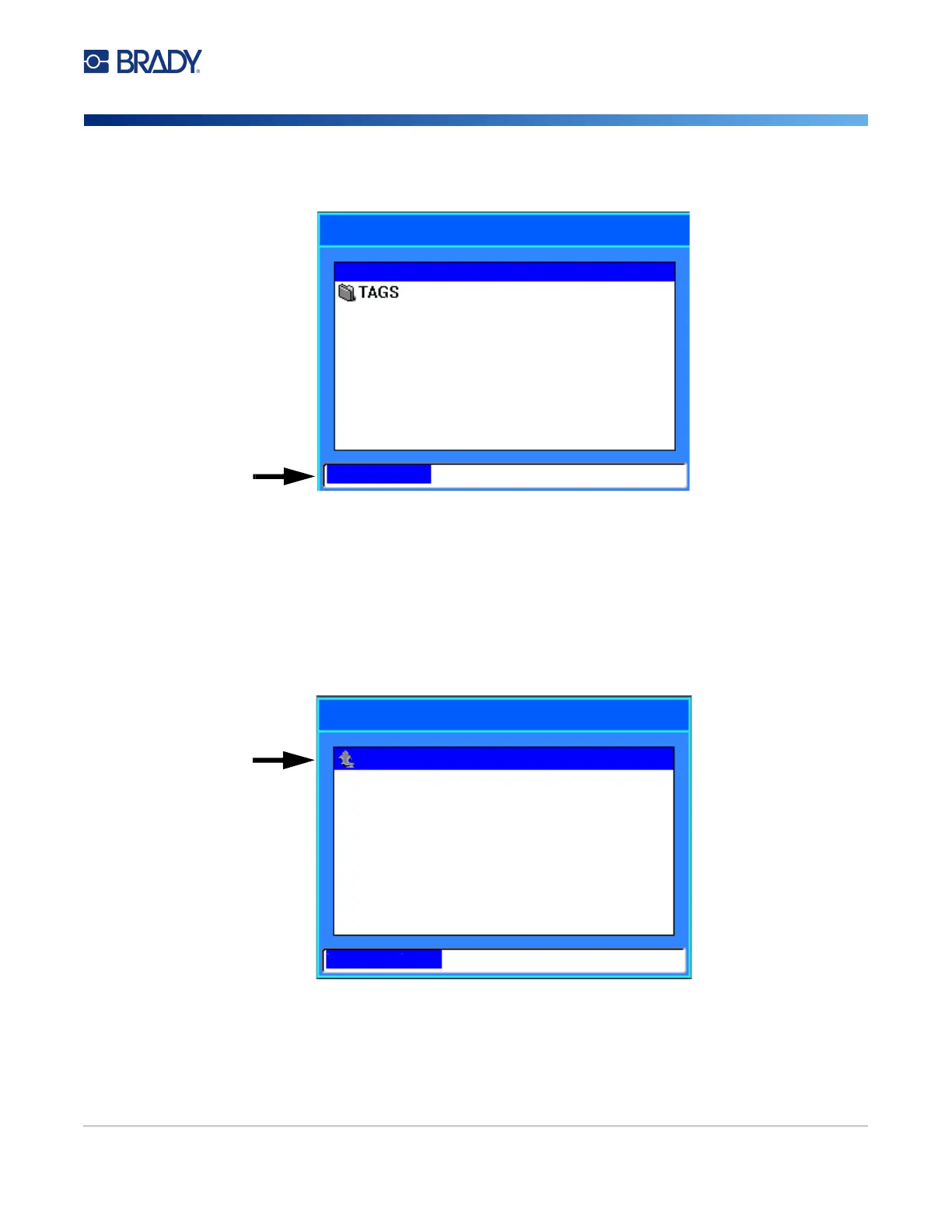
4. The Save file screen opens. At this point you can create a new folder to place the file in, select
an existing folder, or save the file without organizing it into a folder.
•
To save the file without putting it in a folder:
a. With <New Folder> highlighted in the text entry box, type a name.
b. Press ENTER.
c. Proceed to step 5.
• To create a folder:
a. With <New Folder> highlighted in the text entry box, press ENTER.
b. Type a name for the folder and navigate to OK and press ENTER.
c. Select Previous Folder at the top of the screen.
<New Folder>
Save file
<New Folder>
Save file
Previous folder
Previous folder



 To Next Page