M610 Label Printer User Manual 68
File Management
Saving Labels
d. Select the folder that you just created.
e. Type a name for the file and press ENTER. Proceed to step 5.
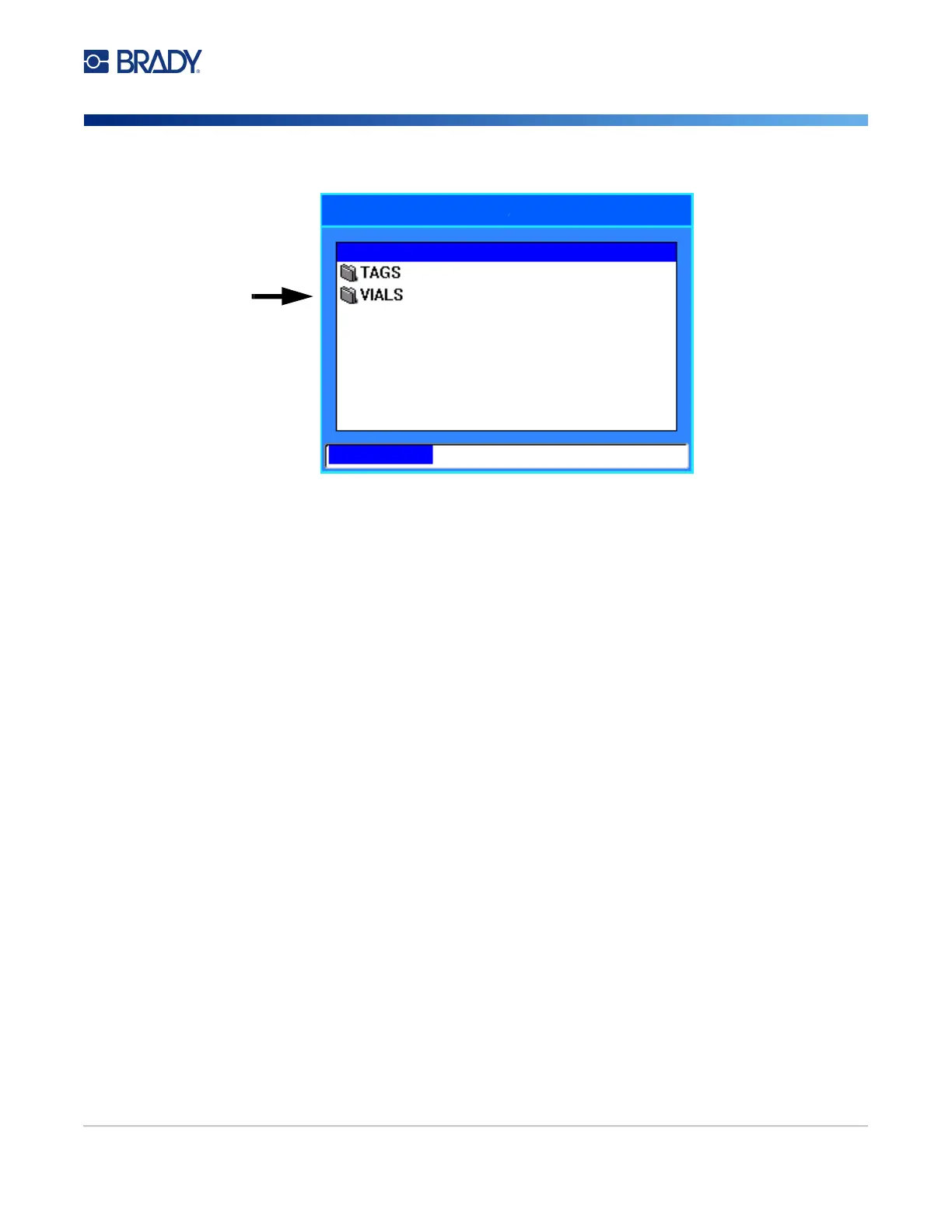
• To choose an existing folder:
a. Navigate to the desired folder and press ENTER.
b. Type a name for the file and press ENTER.
5. If the name already exists, a message displays asking if you want to overwrite the existing file
with that name.
• To overwrite the existing file, select Yes.
• To go back and type a different file name, select No.
When the file is saved, you are returned to the editing screen with the saved file still displayed. If you
want to remove the saved file from the screen, press FN + CLEAR. This clears the data from the editor
so you can work on a different label, but does not delete the saved file. For more about the operation
of the CLEAR key see “Deleting Text” on page 32.
Save file
<New folder>
<New folder>



 To Next Page