27
3.4.4 Slicing the STL Files
You can design STL files of the printable constructs on any CAD software, such as SolidWorks or
Autodesk Fusion 360. In the Slicer tab, you can import and slice the CAD model of your construct by
setting the slicing parameters and creating G-code to be sent to Brinter
®
to inform what actions to
perform.
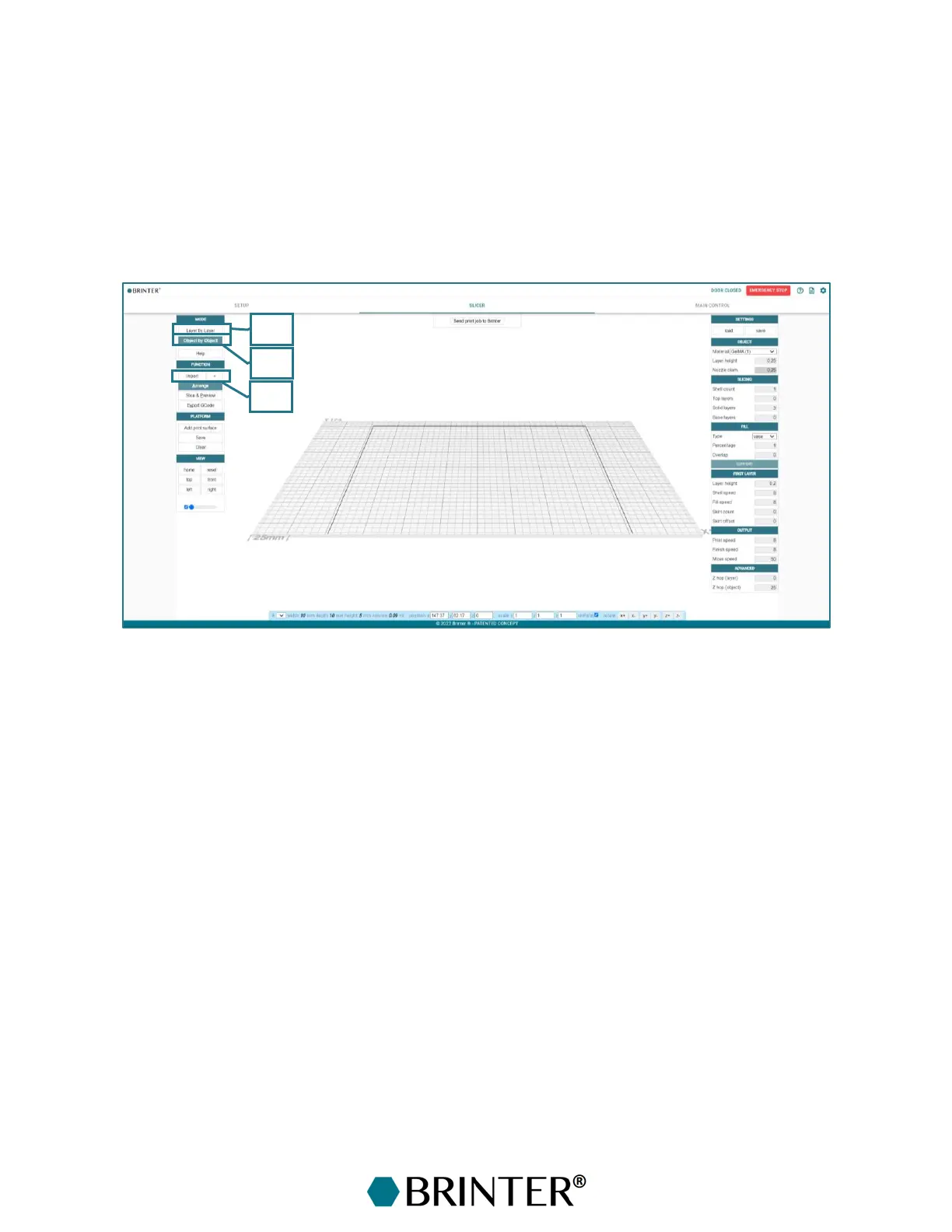
Start the slicing process by selecting the printing mode for your objects. The objects can be created
either in a layer by layer fashion or by object by object fashion.
1. Layer by Layer – Layer by Layer mode for the printing. In the Layer by Layer mode, the Brinter
®
prints the first layer of each object and then moves to print the second layer of each object,
etc.
2. Object by Object – In the Object by Object mode, Brinter
®
completes printing one object totally
before printing the next object.
3. Import – Load an STL file or several files into the Slicer tab from the Import button. From the
+ sign, you can import a previously downloaded STL file from the browser’s cache memory.



 To Next Page