X7-8-Install-IG100 Installation Guide
Brocade
®
X7-8 Director Hardware Installation Guide
Preparing for Replacement
Before beginning replacement procedures you must run a series of Fabric OS commands and record device information
for safekeeping that may be required for installing and configuring the new chassis. This includes information on licenses,
IP addresses, WWNs, serial numbers, switch IDs, location of configuration files, and fabric details. It also includes
information that might be required by Technical Support. Recording Critical Device and SAN Information instructs you to
run the following commands and record specific output:
•
chassisShow
•
configUpload - all
•
configupload -vf
•
fabricShow
•
ipAddrShow -sw
•
licenseShow
•
nsAllShow
•
nsShow
•
supportShow
•
switchShow -qsfp
Before beginning replacement, you must also properly shut down the device and disconnect from the fabric and power
using procedures under Disconnecting from the Network and Fabric.
Recording Critical Device and SAN Information
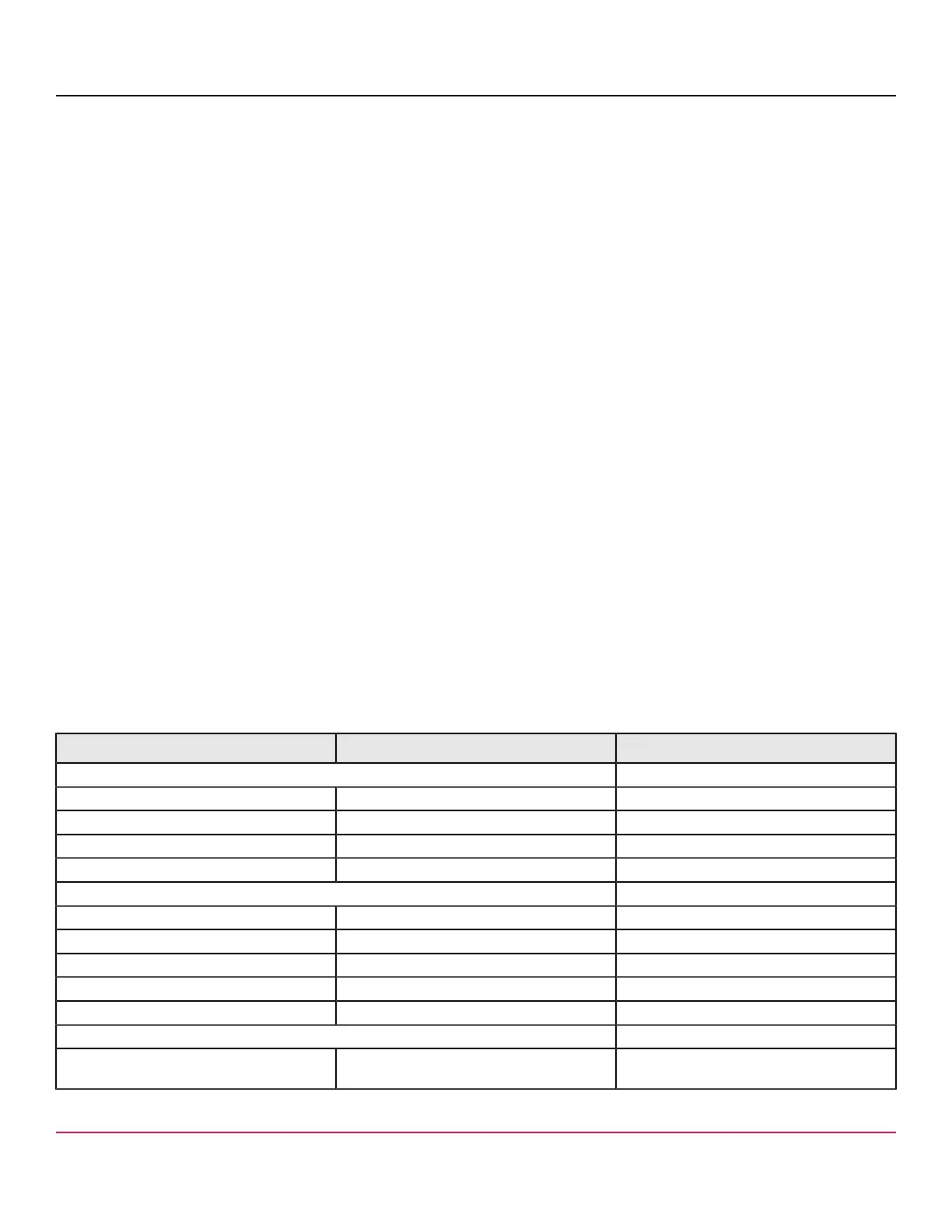
Use a checklist, such as the following, to ensure that critical information is recorded for installing the new chassis.
This information includes current chassis IP addresses, license keys, the new chassis serial number, and output from
supportShow , fabricShow , and other commands. Save output from these commands to the text files listed in the
table.
All commands must be entered from a CLI session (Telnet or serial) to the active CP blade unless otherwise indicated. For
detailed information about Fabric OS commands, refer to the Brocade Fabric OS Command Reference Manual.
Table 31: Critical Information Checklist
Checked? Data Notes
Configuration information
Location of config-switch.txt file
Location of config-miscinfo.txt file
IP address, subnet mask
WWN for the device
SAN profile
Location of ANbefor.txt file
Notes regarding nsshow output
Notes regarding nsallshow output
Notes regarding switchshow output
Notes regarding fabricshow output
Output from licenseshow command
License keys and other licensing data for
licensed products enabled on device.
X7-8-Install-IG100
189


 To Next Page