146
Chapter 5 Practical programming examples
Programmer
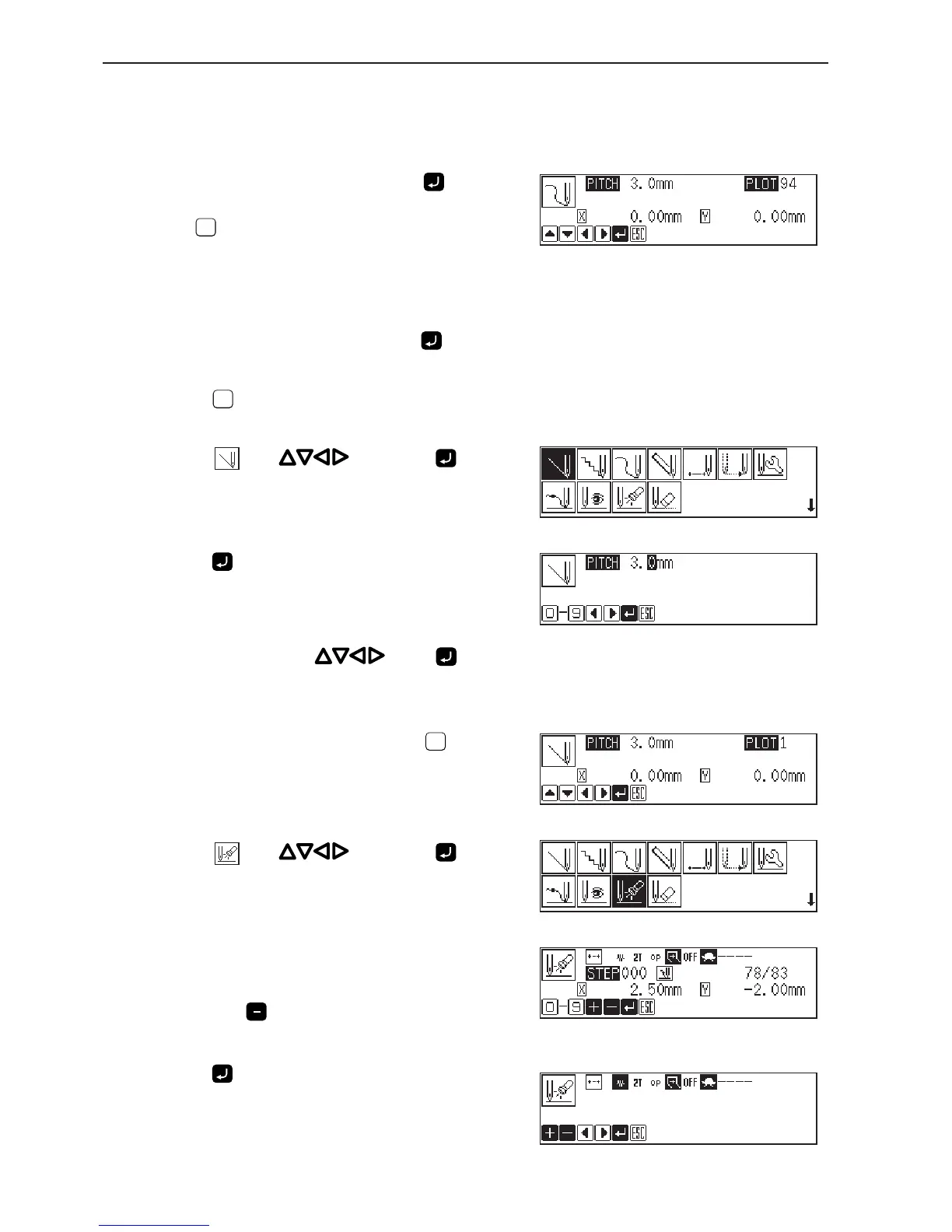
11. Repeat step 10 and create the program to point
G.
12. When point G is programmed, press again.
Point G is programmed to be a corner. To change the stitch length,
press
ESCESC
to set it again.
13. Create the program to point L.
14. When point L is programmed, press again.
15. Press
ESCESC
twice.
16. Select with , then press .
17. Press .
18. Move the needle with . Press when
the needle point is at point M of the pattern.
19. When point M is programmed, press
ESCESC
twice.
20. Select with , then press .
21. Input the number of stitches to return the needle
to the position where two row switch is input,
then press .
5 is input in the example. The needle moves 5 stitches back.
22. Press .
The attribute setting screen appears.



 To Next Page