Programmer
74
Chapte 2 Programming with Help Function
If is selected
The center point (reference point) of resizing is as follows.
X coordinate : Center of the outer shape of the data
Y coordinate : Uppermost position of the data
All the settings of attributes become invalid if the pattern is resized without changing the
stitch length. Set the attributes after resizing the pattern.
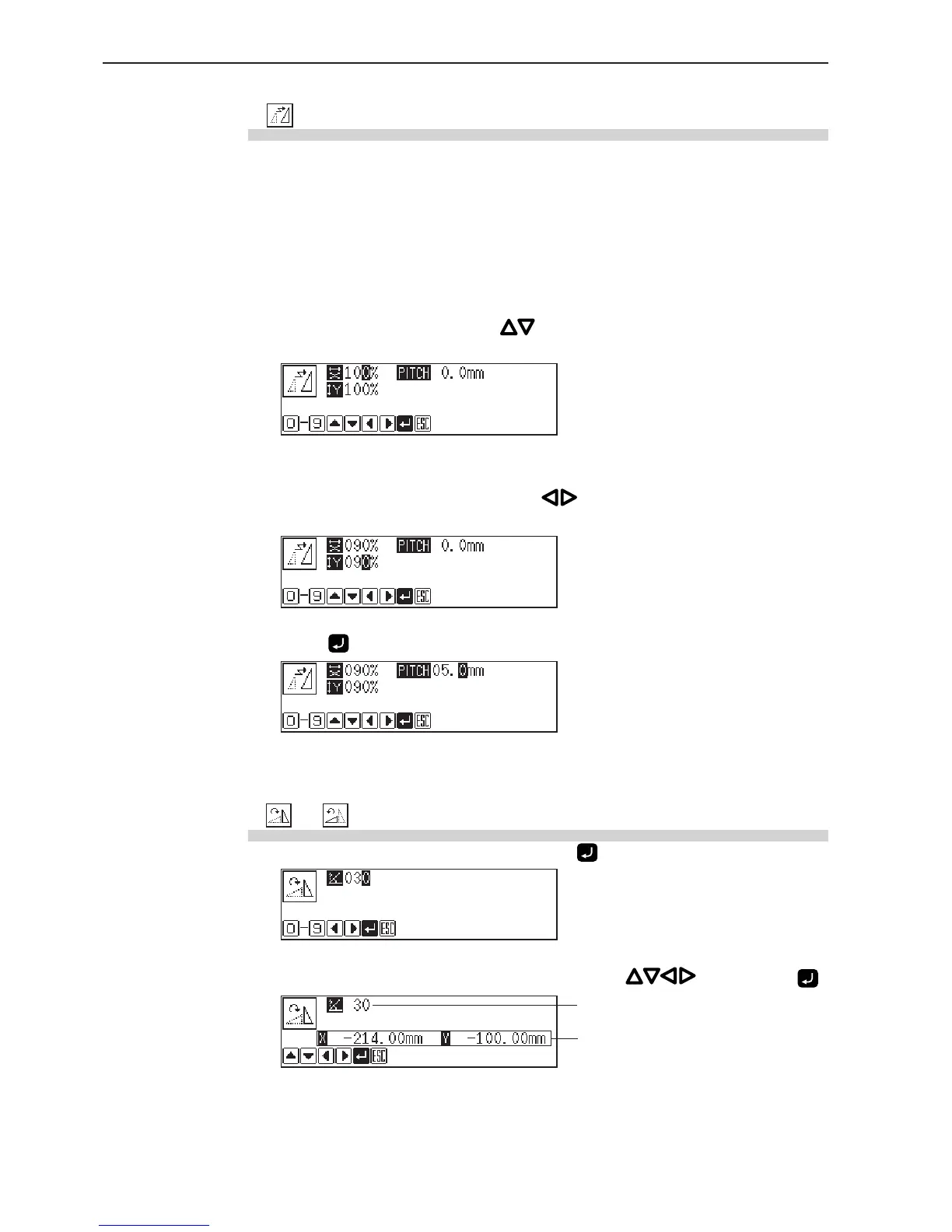
1. Input resizing scale in the X and Y directions.
Switch between X and Y directions with .
Resizing scale between 90 and 110% are available.
2. Input the stitch length.
Switch between input fields of stitch length with .
If the stitch length is 0.0, the pattern is resized with the same number of stitches as the original data.
3. Press .
If or is selected
1. Input the angle of rotation, then press .
2. Adjust the reference position for rotation with , then press .
Angle
Reference position



 To Next Page