59
Calibrate Fuel Sender
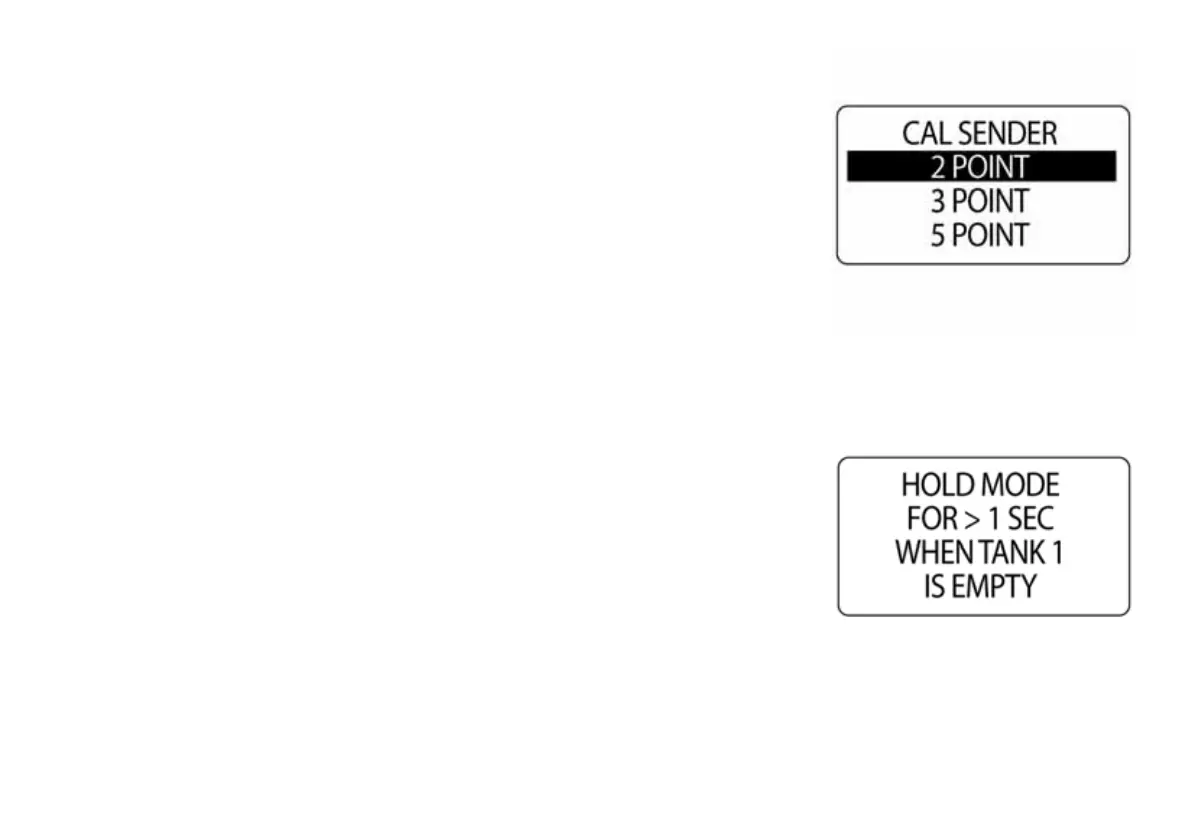
Fuel tank senders can be calibrated using a 2, 3 or 5-point calibration. To
begin the calibration the fuel tank MUST be empty. Use a 5-point calibra-
tion to achieve the best fuel level accuracy. To calibrate the fuel sender,
enter the FUEL SETUP menu then:
1.) Use the UP or DOWN buttons to select CAL SENDER.
2.) Use the UP or DOWN buttons to select the desired 2, 3 or 5-point
calibration method.
3.) Press and hold the MODE button to begin the calibration process.
4.) Follow the on-screen prompts for each step of the calibration pro-
cess. When the calibration points are saved the LCD will display SET-
TING SAVED! and the gauge will issue an audible beep.
IMPORTANT: Be sure to press and hold the MODE button to save each
calibration point.
010056
010057



 To Next Page