58
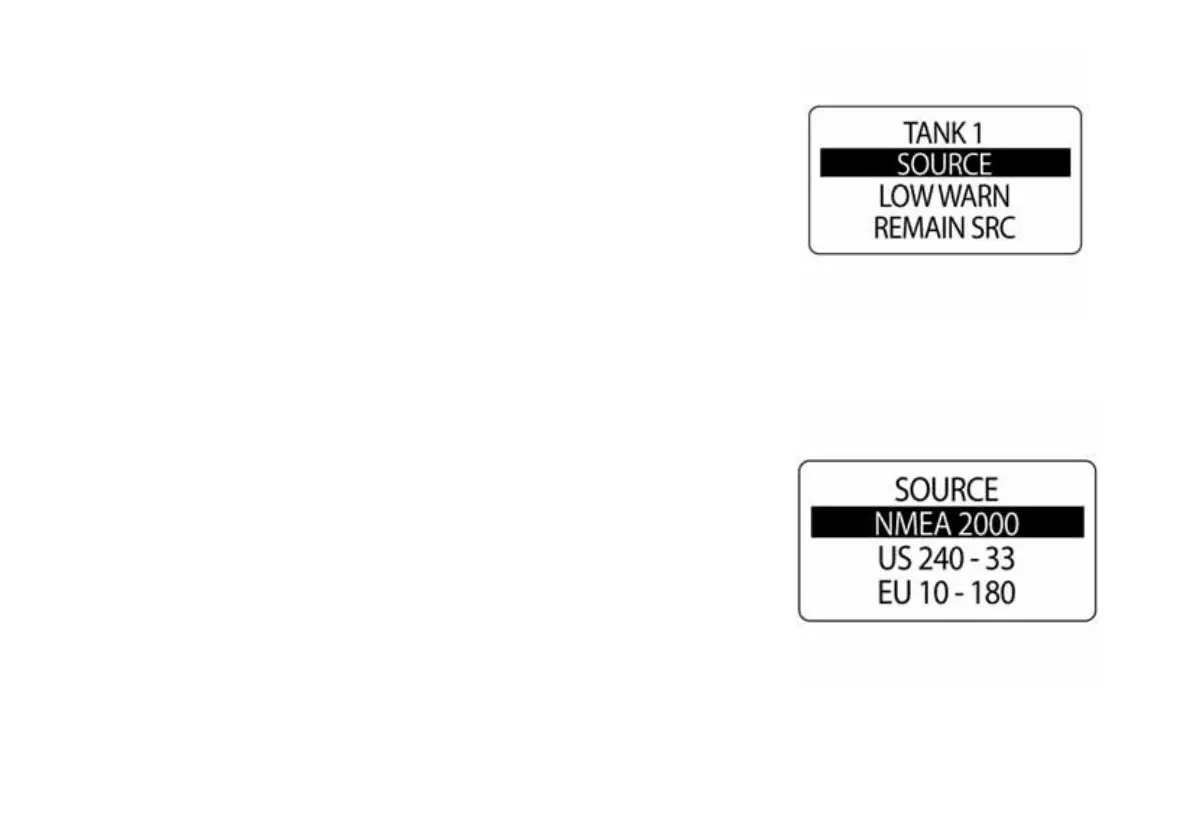
Select Fuel Sender Source
The ICON gauge package can monitor the fuel sender from the NMEA
2000 buss or from an analog input. Fuel level can also be calculated using
engine fuel flow data. To set the fuel sender SOURCE:
1.) Use the UP or DOWN buttons to select SOURCE.
2.) Press and hold the MODE button to enter the selection.
3.) Use the UP or DOWN buttons to select the correct fuel sender
source.
4.) Press and hold the MODE button to save the setting.
010054
010055



 To Next Page