20
EN
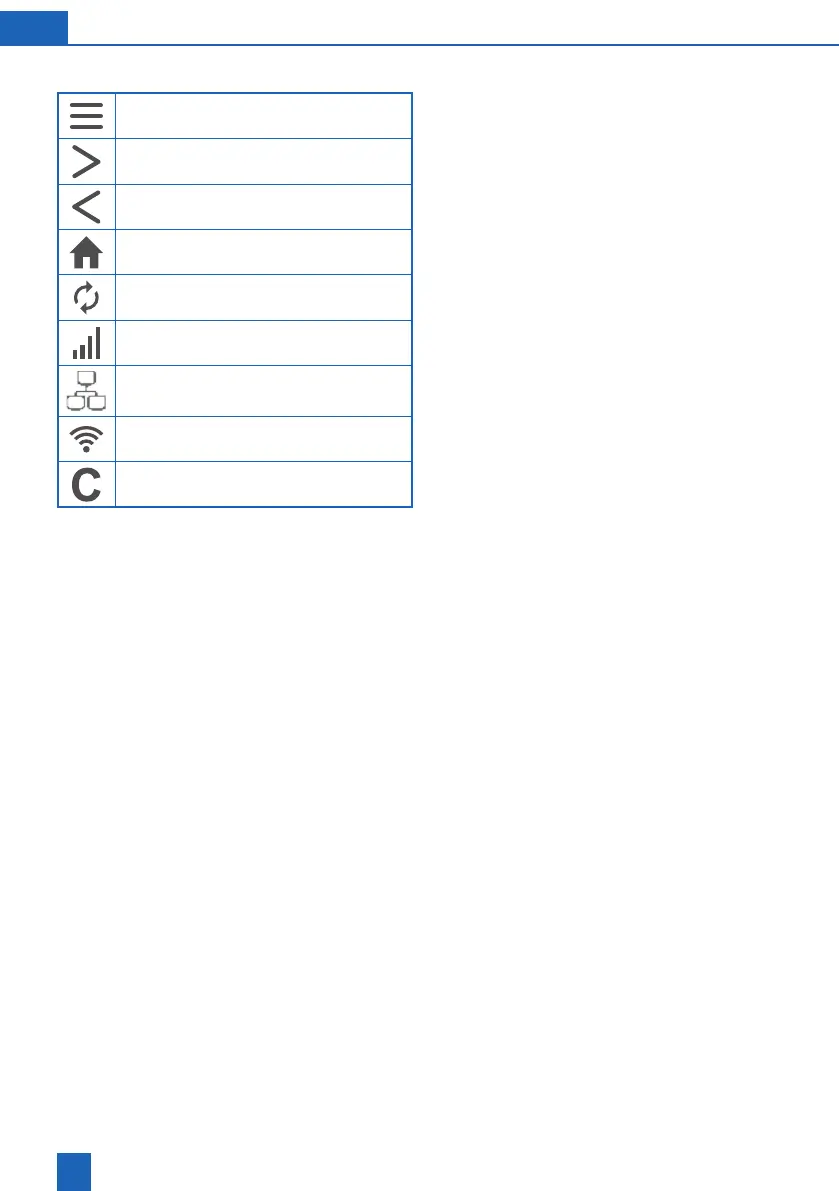
7.4 Touch display controls
Menu
Next / Next page
Back / Previous page
Start page / Status overview
Regeneration in progress
GSM signal strength
LAN
Wi-Fi signal strength
Server connection active
The touch display provides important information
and can be operated intuitively.
It switches on automatically by tapping the display
once.
time (energy-saving mode).



 To Next Page