24
EN
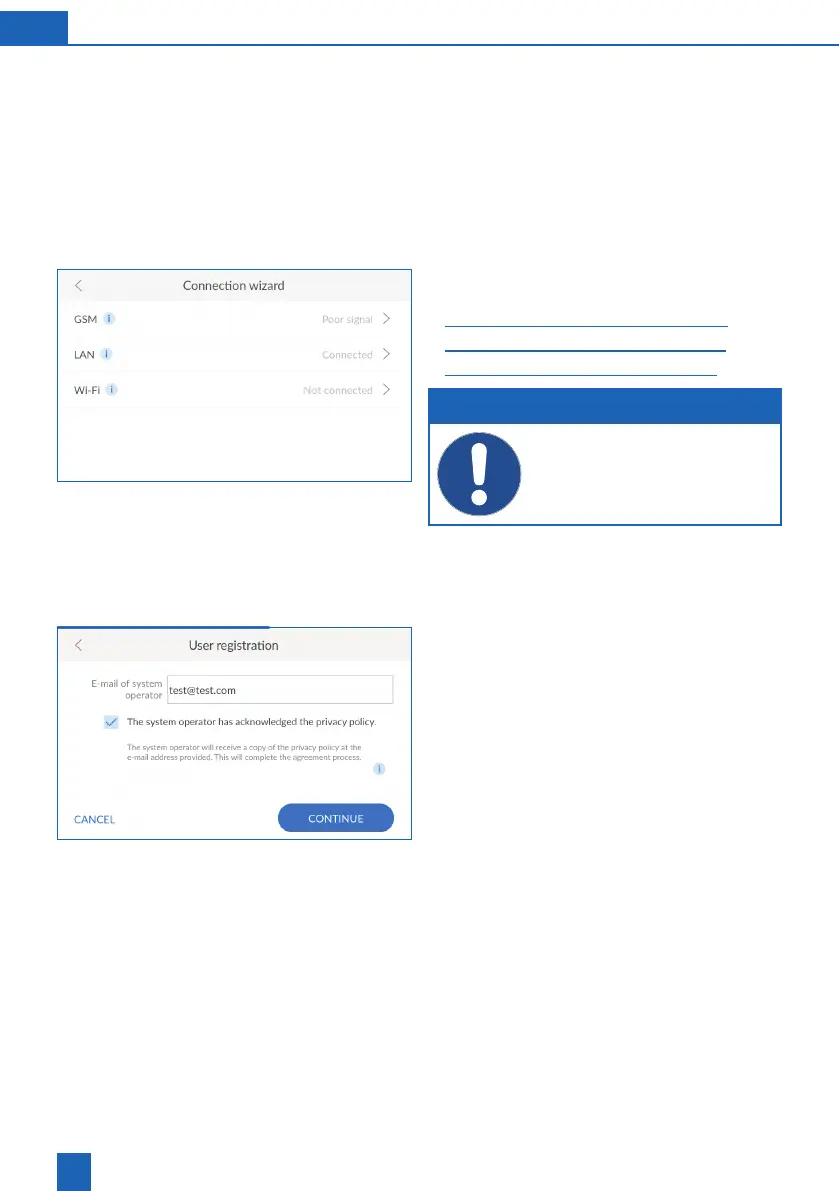
8.4 Connection wizard
If you perform registration during start-up, the con-
nection wizard starts automatically and you can skip
the following text section.
If you want to register later, you must start the con-
nection wizard manually.
The connection wizard supports setting up the
connection type that the product uses to connect
to the Internet.
More detailed information on the respective con-
nection type can be found in the following chapters:
27
29
31
NOTE
If you do not want to connect the product
to the Internet, exit the connection wizard by
pressing
X
in the header.
8.5 User registration
User registration starts if the connection was suc-
cessfully established.
Tap inside the text box. A keypad is displayed.
Enter your e-mail address.
understood the privacy policy.
Press
CONTINUE
.
Enter your e-mail address again. Double entry
eliminates input errors.
Press
CONTINUE
.



 To Next Page