40
EN
11 Operation
You can see current data and information as well
as make settings in normal operation.
11.1 Home screen
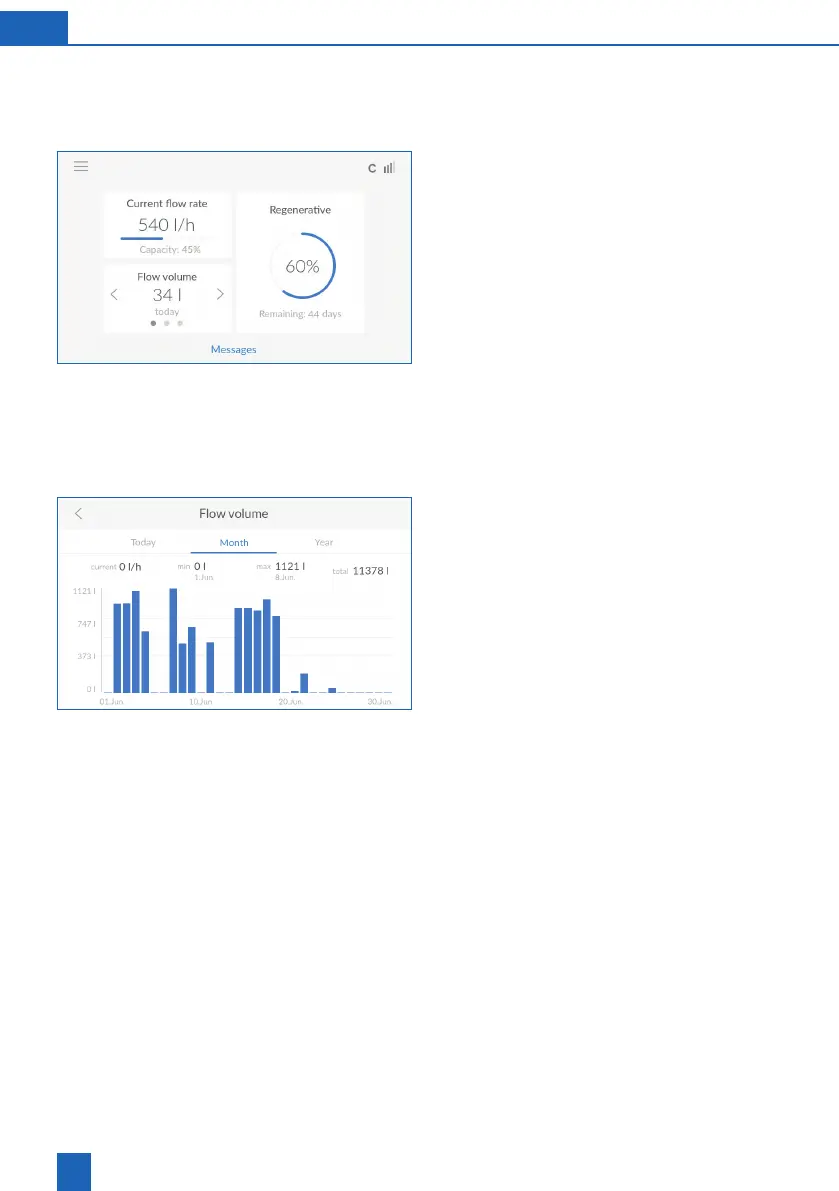
You can see the current status of the product at
a glance:
Current flow rate
per hour. The device output is displayed as a
percentage below this.
Regenerative
: Estimation of the time remaining
until the regenerative in the container is depleted.
The estimation is displayed as a percentage and
days remaining. The regenerative level is meas-
ured via ultrasound.
Flow volume
: Flow volume of fully softened water
(soft water) in litres.
Select
<
or
>
to switch between daily, monthly and
annual consumption.
Press the number of litres under
Flow volume
to



 To Next Page