39
EN
10.2 Completing registration online
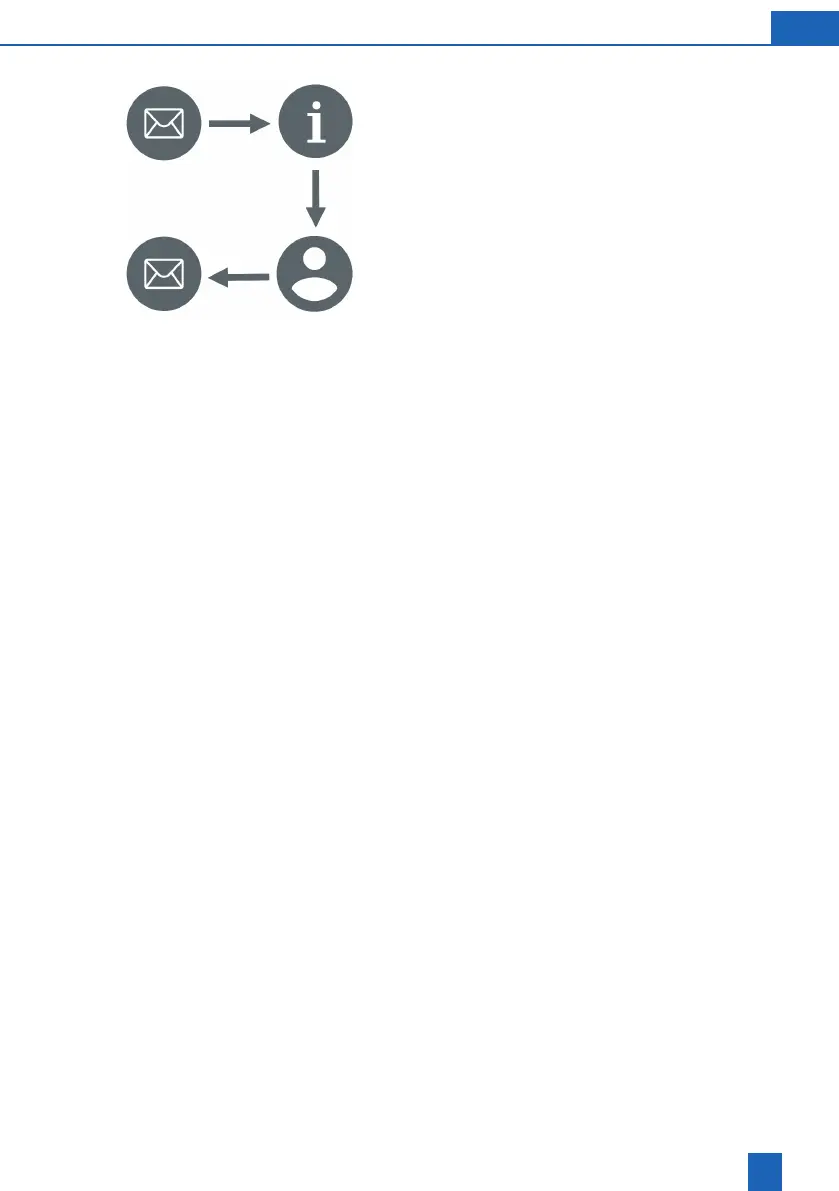
Conrming product registration/activation
You will receive an e-mail several minutes after
entering your e-mail address.
Click or press the
Activate product now
button
in the e-mail.
registration.
Entering device information
You can specify individual device information, such
as device name and device location.
Provide information about your product.
Create a user account.
Creating a BWT user account
You must create a user account to complete product
registration. If you already have a user account, you
may use it here.
Enter your details and create a user account.
Conrmation of successful registration
If registration was completed successfully, you will
receive an e-mail with the following information:
Important links for downloading the app
Login data for remote operation
Links to customer service and the online shop
Make sure that you save this e-mail or print it out.



 To Next Page