23
EN
NOTE
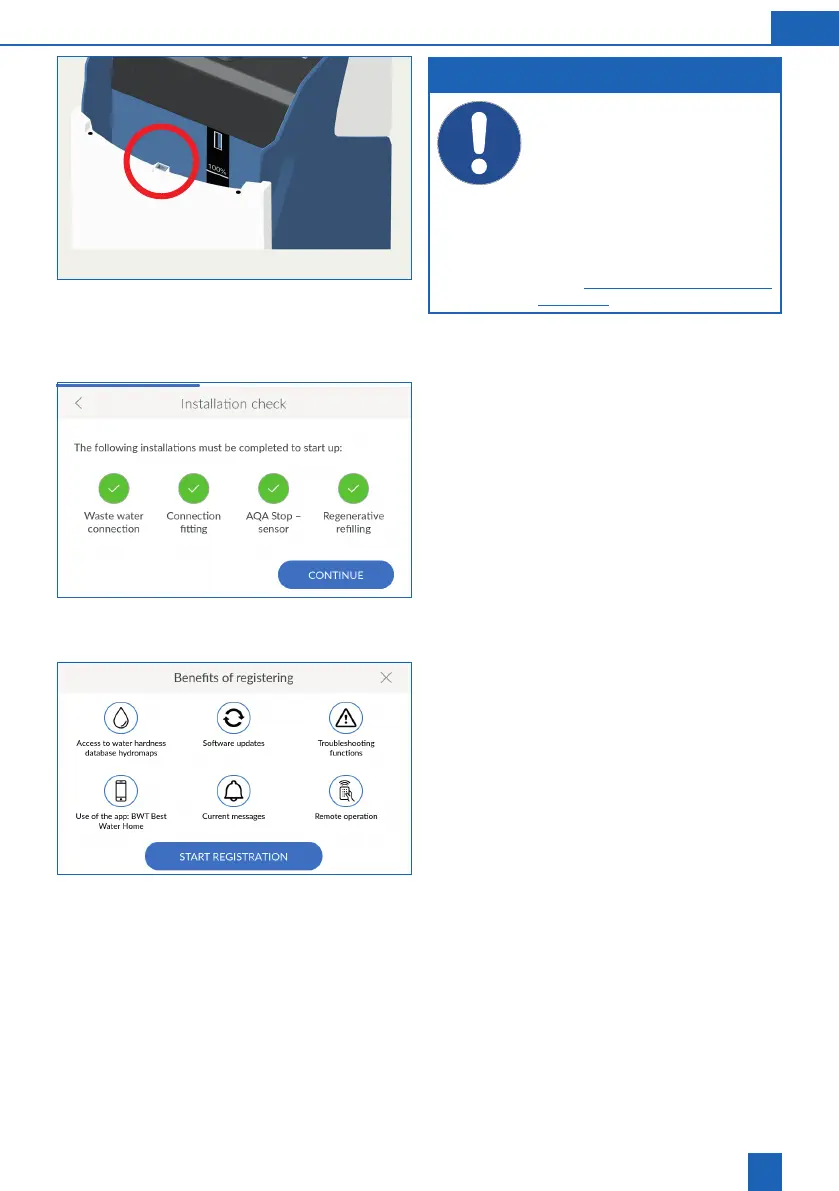
When lling the regenerative, make sure
that no dirt gets into the locking mechanism
(red circle).
Overfilling past the 100% mark can
result in implausible ll level values being
reported. Remove regenerative in case of
overlling.
The product must not be operated with
Sanitabs or Sanisal.
Additional information can be found in
chapter “11.5.3 Relling operating materi-
als”, page 49.
Press
CONFIRM
.
Completing the installation check
The installation check is completed successfully
when all four icons are green.
Press
CONTINUE
.
Device registration begins.
8.3 Benets of registering
You can only use all BWT services if you register
your product:
Access to the water hardness database
Regular software updates
Troubleshooting
Use of the BWT Best Water Home app
Current messages
Remote operation
Press
START REGISTRATION
.



 To Next Page