29
EN
NOTE
The external antenna must be initialised
via the connection wizard and thus auto-
matically activated. If necessary, run the
connection wizard again.
Ensure that the technology cover can
be easily closed and that the cables do not
have any kinks.
9.2 LAN – connection wizard
If you have a network connection at the installation
location of your product, use the RJ45 interface to
establish the Internet connection via your network.
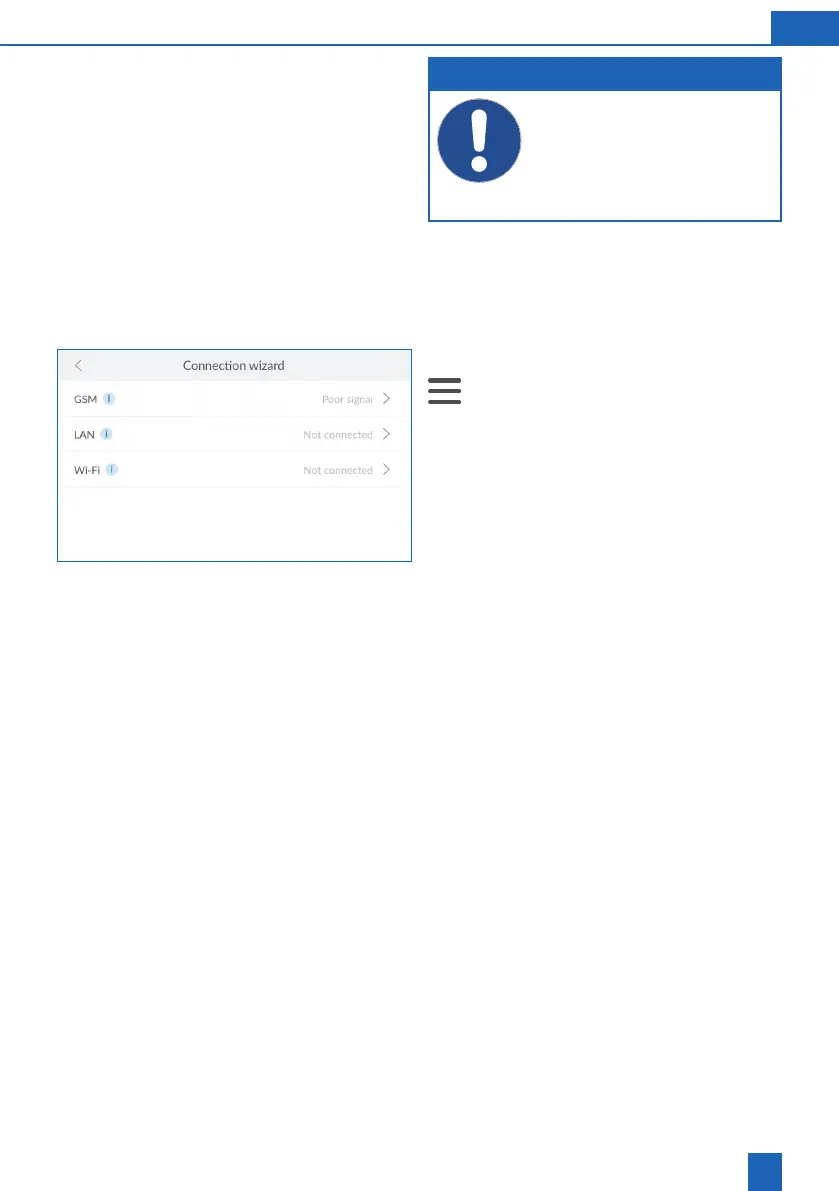
If necessary, start the connection wizard:
>
Settings
>
General Information
>
Connec-
tion
>
Connection wizard
Press
LAN
.



 To Next Page