28
EN
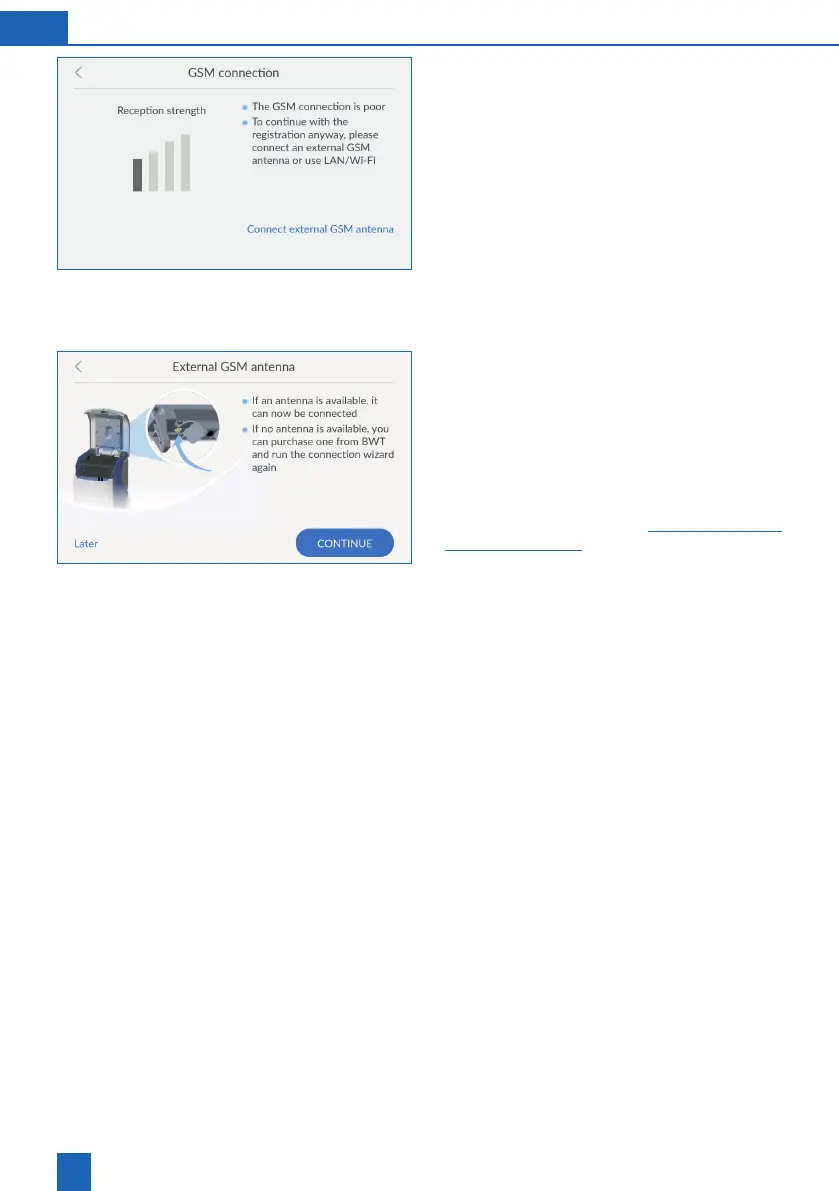
Poor GSM connection
If the GSM connection is poor, you can improve it
by using an external GSM antenna.
Contact BWT Customer Service to acquire an
external antenna.
Press
CONNECT EXTERNAL GSM ANTENNA
and follow
the instructions.
If you do not have a suitable external GSM antenna,
you can also establish the connection later or via
LAN or Wi-Fi:
Press
<
to return to the connection wizard and
select another type of connection.
Connecting an external GSM antenna
Open the Easy Fill technology cover of the
product.
Loosen the screws on the internal cover and
then remove it.
Route the cable of the external antenna through
the opening on the back of the product.
Connect the external antenna to the connector
on the product (see chapter -
18).
Attach the internal cover.
Close the technology cover so that the cables
are not pinched.
Press
CONTINUE
.
If the connection quality is still poor, the installation
location is outside the range of the GSM.
However, you can also connect the product via LAN
or Wi-Fi to continue with registration.
Registration can also be postponed until a later time.



 To Next Page