54
EN
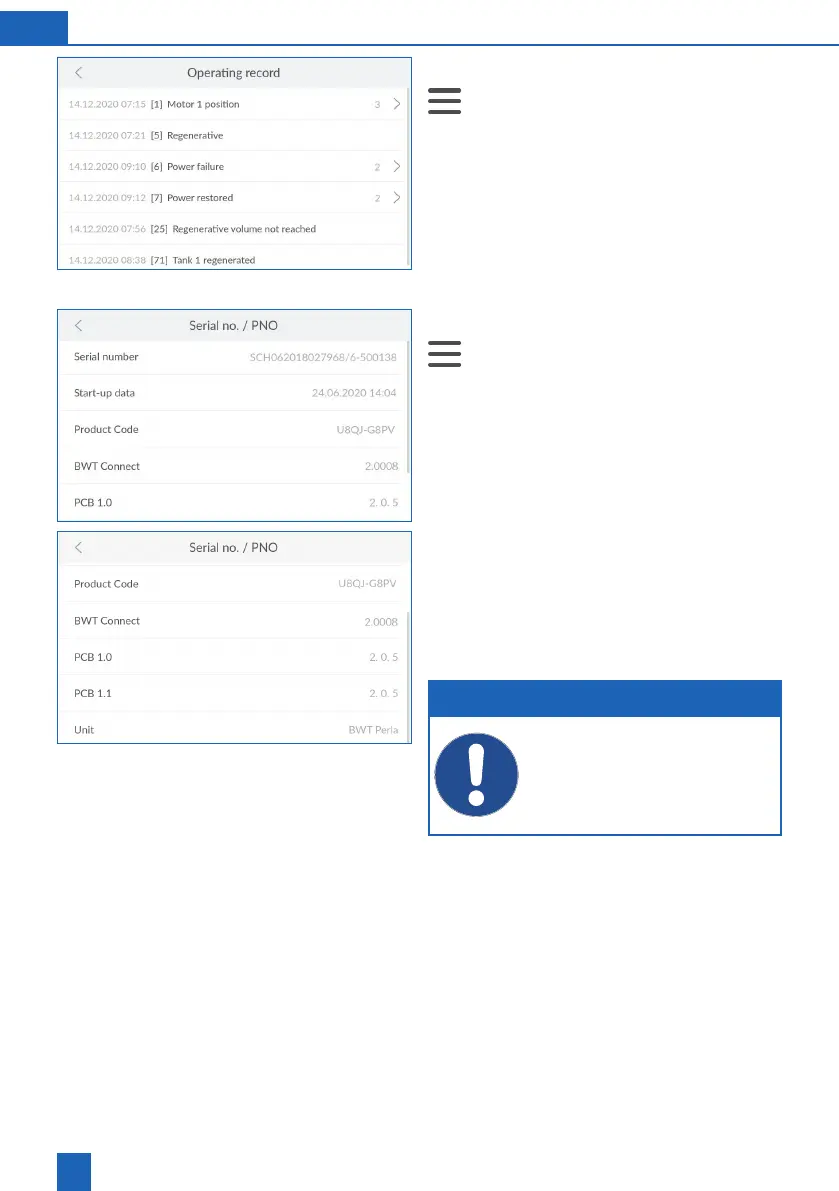
11.6.1 Operating record
>
Info > Operating record
You can view all events in the operating record,
such as power failures, regenerations and other
errors, with the date, time and frequency.
bottom of the display to scroll through the list.
Press
>
next to an entry for more details.
11.6.2 Serial no. / PNO
>
Info > Serial no. / PNO
enable after-sales service to quickly check how
uptodate your product and the installed device
software are, if necessary.
Serial number
: Individual serial number
Start-up data
: Time of start-up
Product Code
: Individual product code
BWT Connect
: Version of the installed device
software
PCB
: Printed circuit board installed in the product
Unit
: Product designation
bottom of the display to scroll through the list.
NOTE
Make note of this data on the inside cover
of this manual so that it is quickly accessible
in case service is required.



 To Next Page