CHAPTER 14 TROUBLESHOOTING
14-6
COPYRIGHT
©
1999 CANON INC. CANON 405/335 REV.0 JAN. 1999 PRINTED IN JAPAN (IMPRIME AU JAPON)
1
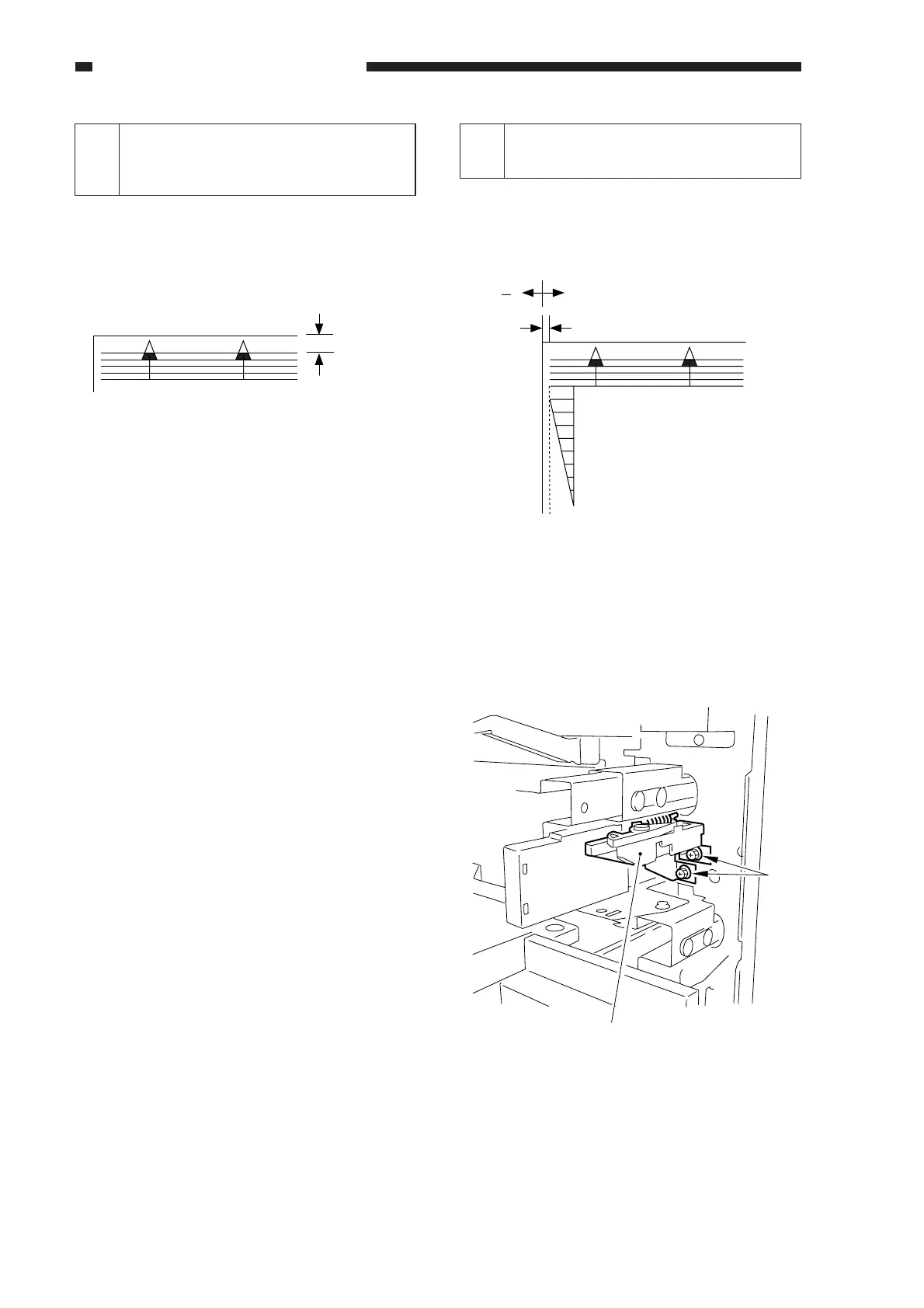
Image Leading Edge Margin
(REGIST; registration roller
activation timing)
Standard: 2.5 ±1.5 mm
For steps see the previous page.
n COPIER>ADJUST>FEED-ADJ>
REGIST
Figure 14-201
<Making Adjustments>
• To increase the leading edge margin,
increase the setting of REGIST (thereby
delaying the activation of the registration
roller).
• To decrease the leading edge margin,
decrease the setting of REGIST.
n After adjusting the image leading edge
margin, be sure to make adjustments
under ADJUST>ADJ-XY>ADJ-X. (See
the descriptions for service mode.)
2.5 ± 1.5mm
2
Adjusting the Left/Right
Registration (front)
a. Pick-Up from the Cassette
Check to see if the margin on the image
front is 2.5 ±1.5 mm for each cassette.
Figure 14-202
If it is not as indicated, perform the following:
1) Slide out the cassette in question.
2) Remove the two screws [1], and detach
the horizontal registration mount.
Figure 14-203
( ) ( + )
2.5 –1.5mm
0
2
4
6
8
10
[1]
Horizontal registration mount



 To Next Page