Installing the CAPT Software
3-9
Setting Up the Printing Environment
3
10
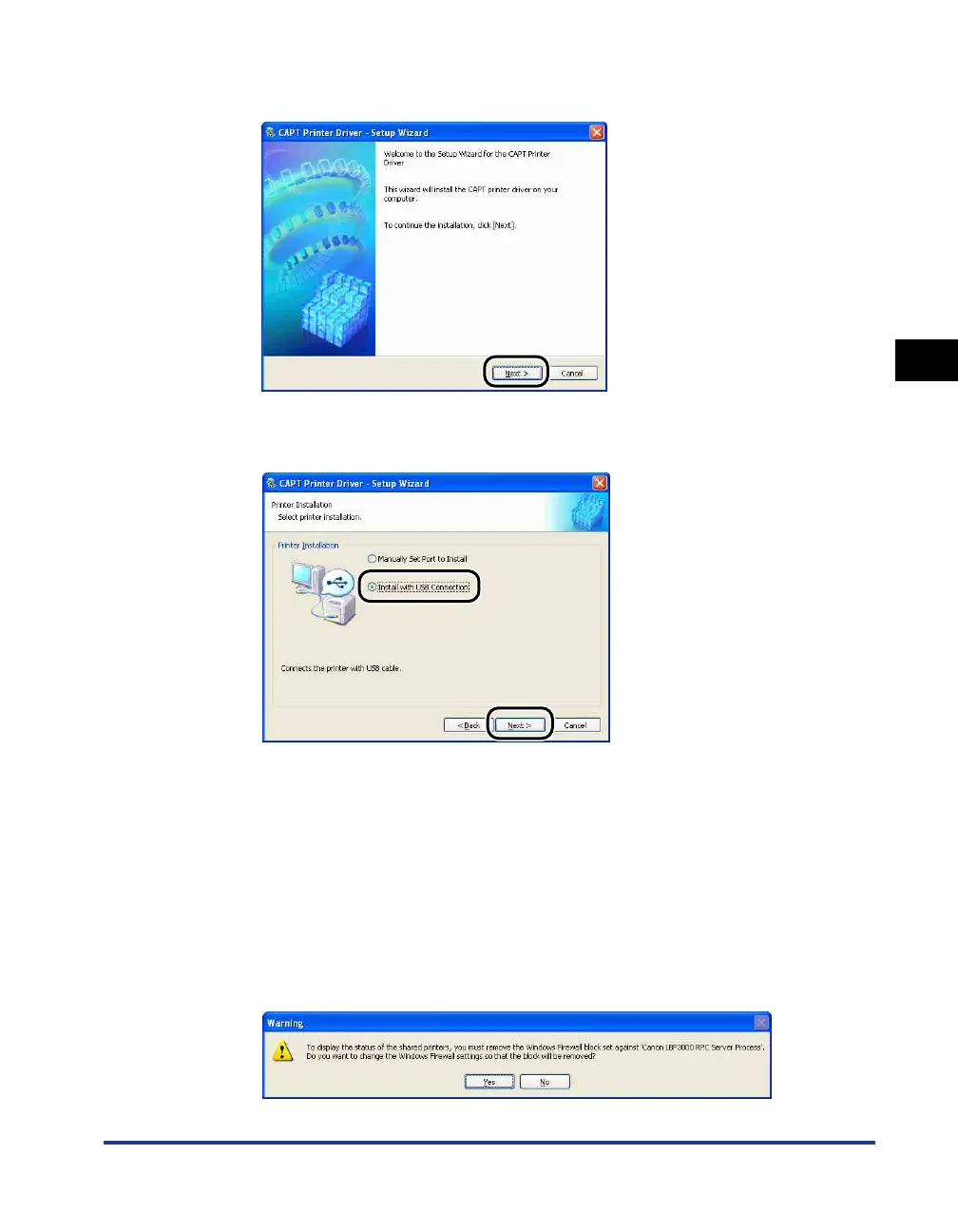
Click [Next].
11
Select [Install with USB Connection], then click [Next].
Depending on the system environment, a message that prompts you to restart the
computer may appear. In this case, restart the computer and continue the
installation.
If you are using Windows XP Service Pack 2 or another operating system
equipped with Windows Firewall, the following screen is displayed. Specify
whether to configure Windows Firewall to unblock communication with the client
computers when sharing the printer on a network.
Click [Yes] when you share the printer on a network. After completing the
installation, see "Printing from a Network Computer using a Shared Printer" (p.
3-47) and specify the settings for sharing the printer on the network.
Click [No] when you do not share the printer on a network.











 To Next Page