Printing from a Network Computer using a Shared Printer
3-55
Setting Up the Printing Environment
3
2
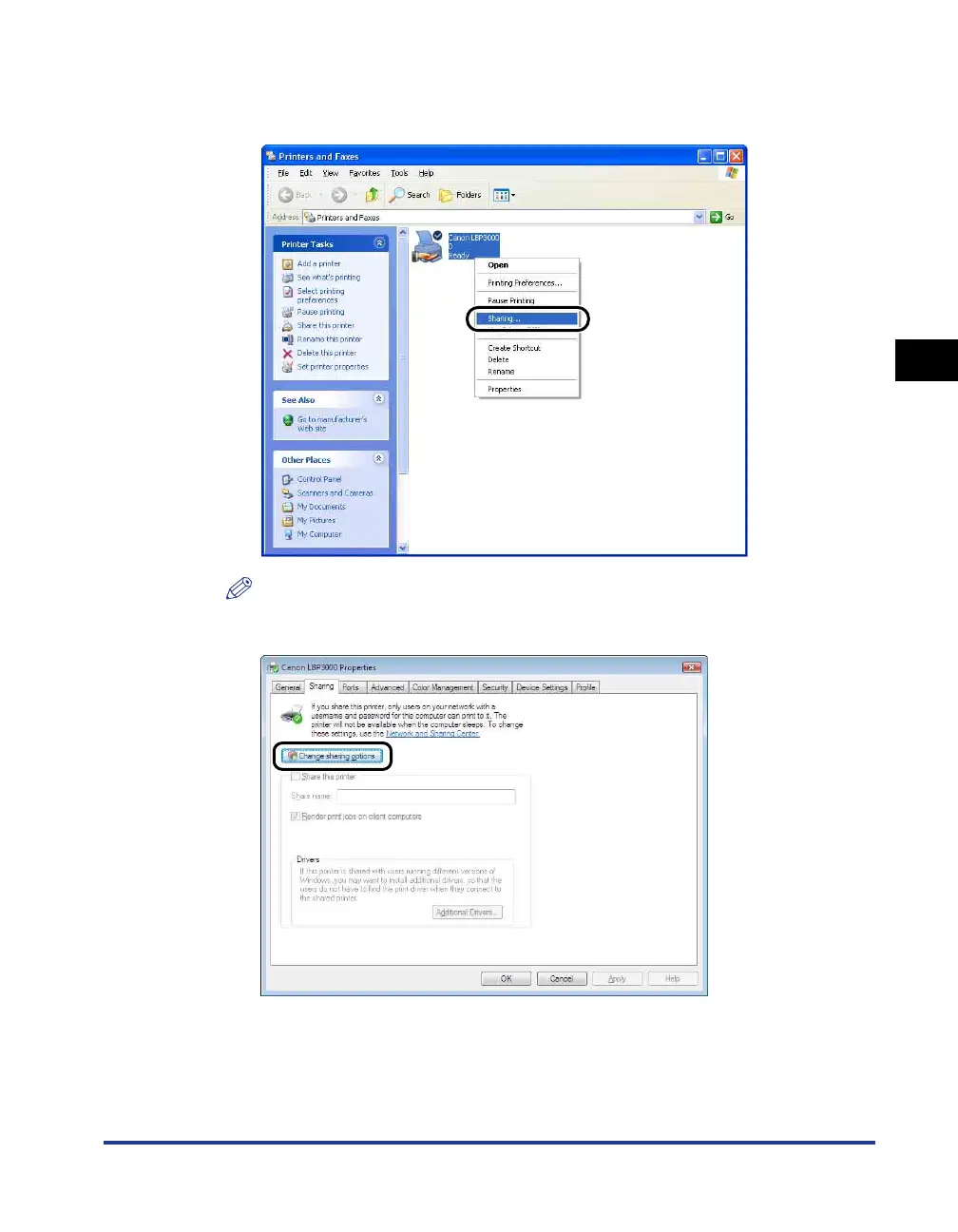
Right-click the icon for your printer, then select [Sharing] from
the pop-up menu.
NOTE
If you are using Windows Vista and [Change sharing options] appears, click
[Change sharing options].
If the [User Account Control] dialog box appears, click [Continue].











 To Next Page