Printing from a Network Computer using a Shared Printer
3-56
Setting Up the Printing Environment
3
3
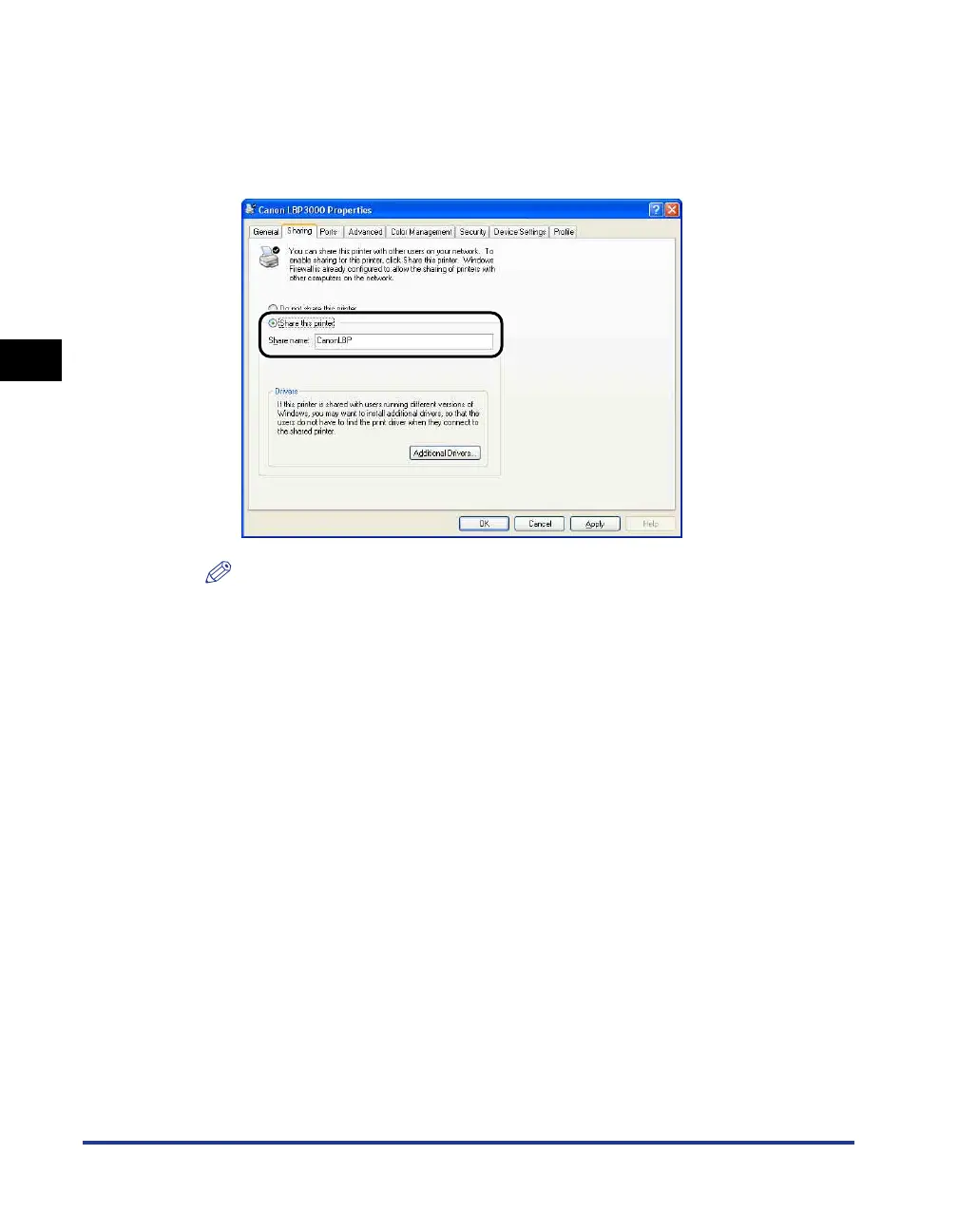
Select [Share this printer]. Update the share name as
required.
For Windows 2000: Select [Shared as].
For Windows Vista: Select the [Share this printer] check box.
NOTE
•
You can also specify the sharing settings during the local installation.
•
Do not enter blank or special characters in [Shared name].











 To Next Page