Printing from a Network Computer using a Shared Printer
3-57
Setting Up the Printing Environment
3
4
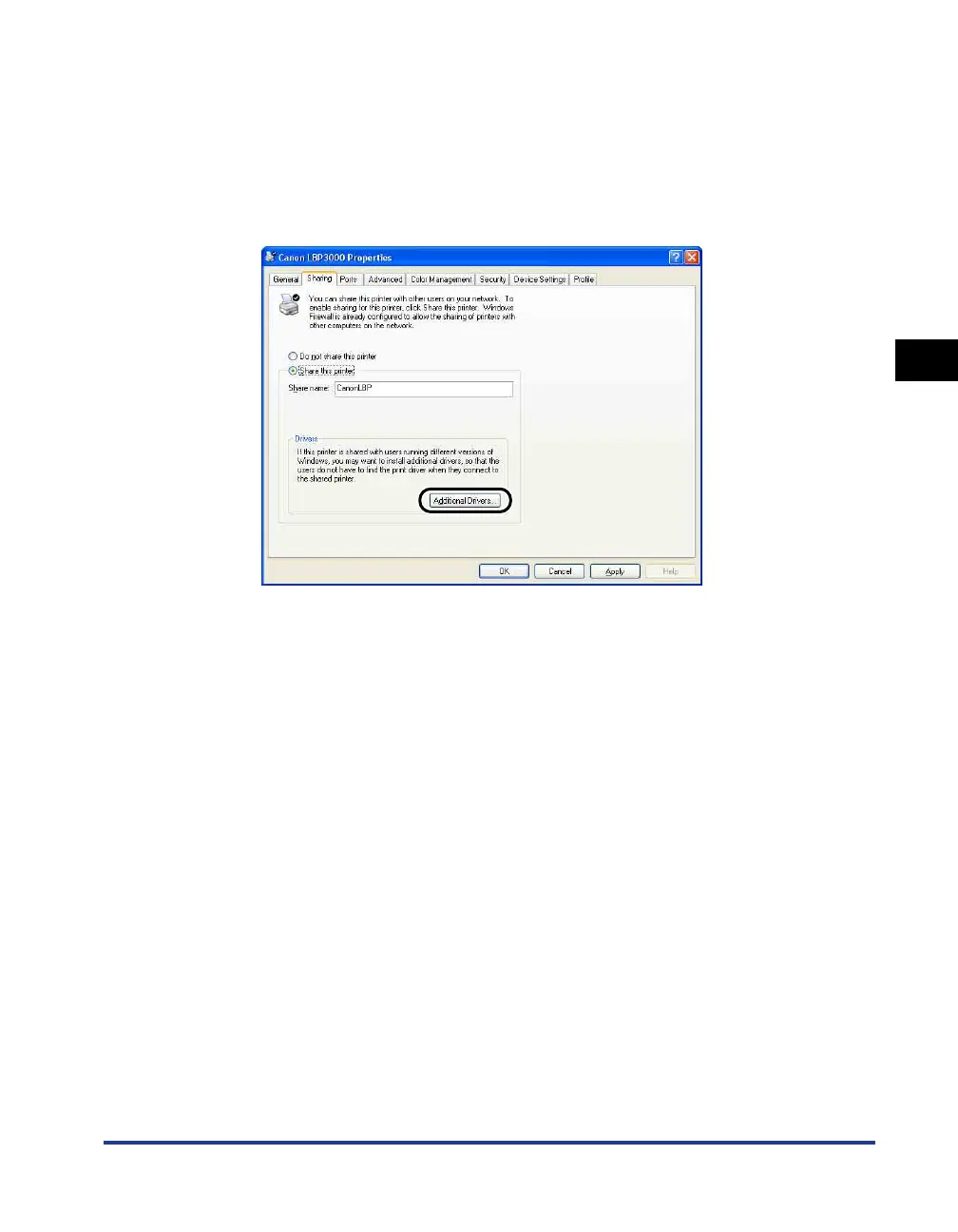
If the print server is running an operating system other than
Windows Vista and any client is using Windows 98/Me, click
[Additional Drivers].
If the print server is running Windows Vista or no client is using Windows 98/Me,
click [OK]. The printer icon changes to the shared printer icon, and the printer
sharing settings are completed.
The [Additional Drivers] dialog box is displayed.











 To Next Page