Installation Problems
6-29
Troubleshooting
6
5
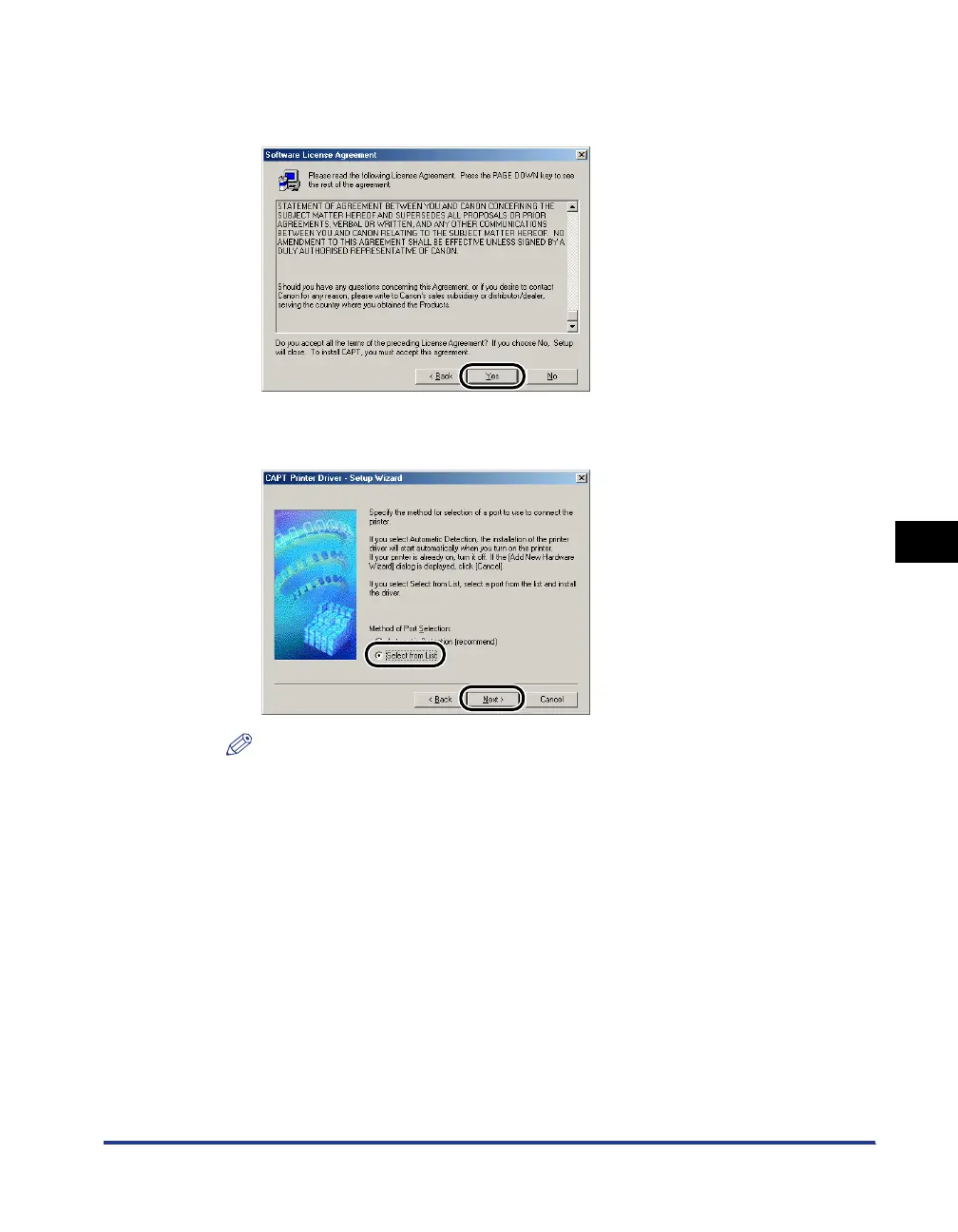
Confirm the contents of the software license agreement, then
click [Yes].
6
Select [Select from List], then click [Next].
NOTE
If the USB class driver is not installed properly, [Select from List] is greyed out,
disabling you to select it.












 To Next Page