Printing Dates and Page Numbers
0YSF-01W
You can print the information such as dates or page numbers, and you can specify
where to print this information on the document (upper-left, lower-right, etc.).
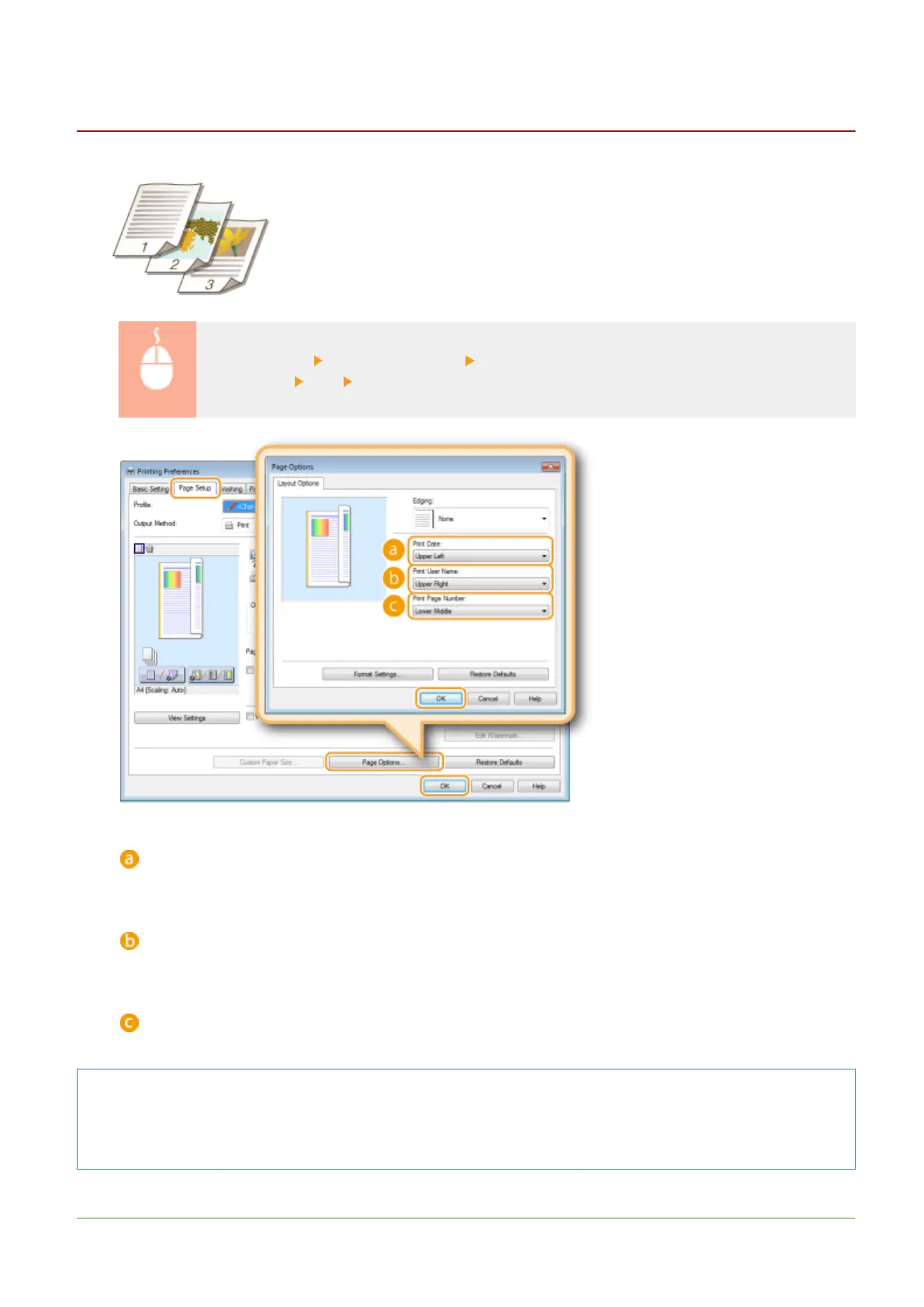
[Page Setup] tab Click [Page Options] Select the print position of the print date, user name or
page number [OK] [OK]
[Print Date]
Specify the position to print the print date.
[Print User Name]
Specify the position to print the user name (logon name) for the computer used to print the document.
[Print Page Number]
Specify the position to print the page number.
Changing the Print Format of Dates and Page Numbers
● You can change formatting details such as font and font size when printing dates, logon names, or page
numbers. Click [Format Settings] on the Page Options screen shown above to specify the details.
LINKS
Printing a Document
95



 To Next Page