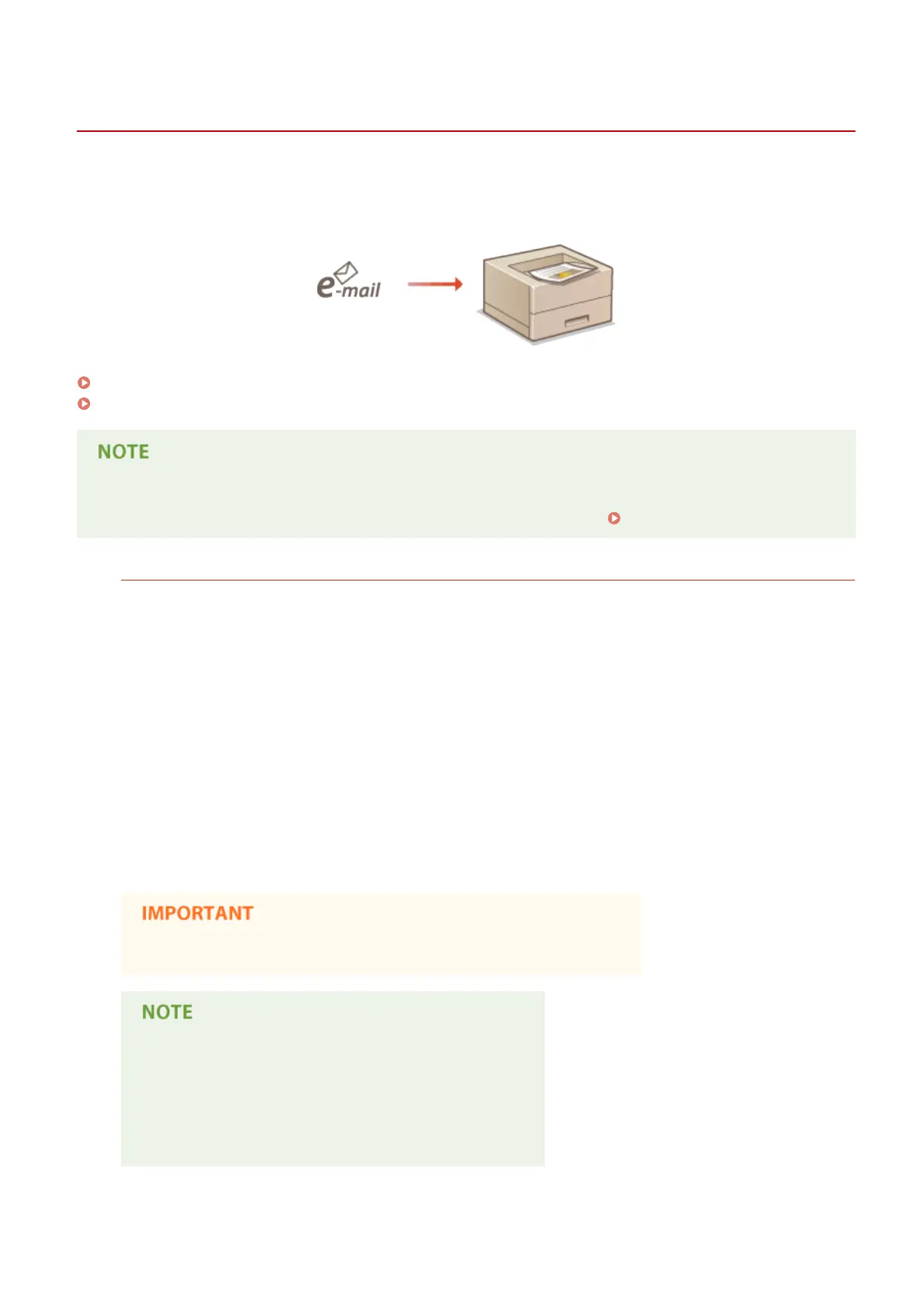
Printing Received E-mail (E-Mail Print)
0YSF-02K
E-Mail Print allows you to print the message and attached JPEG or TIFF image les of an e-mail received from the POP3
mail server without using a computer. E-mails can be manually received as well as being automatically received at
regular intervals. When the SMTP protocol is used, e-mails directly sent to the machine via no mail server are printed.
Conguring E-Mail Print Settings(P. 161)
Manually Receiving E-Mails(P. 165)
● When you set <TIFF Spooler> in the Setup menu to <On>, the received data is temporarily stored in the
machine or SD card before printed. This reduces the occurrence of errors. TIFF Spooler(P. 448)
Outline of E-Mail Print
General
● An e-mail message is printed with e-mail header information.
● An HTML e-mail message is printed as a plain text.
● If a line (without line feed) in an e-mail message contains more than 1,000 characters, excessive characters
are placed on a new line and may not be correctly printed.
When <TIFF Spooler> is set to <On>
● If the e-mail message size exceeds 25 MB or the e-mail size exceeds 1.5 GB, the e-mail message is not
printed.
● If the e-mail header data exceeds 20 KB, the excessive data is not printed.
● If no SD card is installed, TIFF les exceeding 40 MB in size may not be printed.
● If the SD card has no sucient free space, E-Mail Print is not available.
● When the toner cartridge is nearly empty, no e-mails can be received.
Supported e-mail encoding formats
● 7bit
● 8bit
● binary
● uuencode
● x-uuencode
● base64
● quoted-printable
Printing a Document
160



 To Next Page