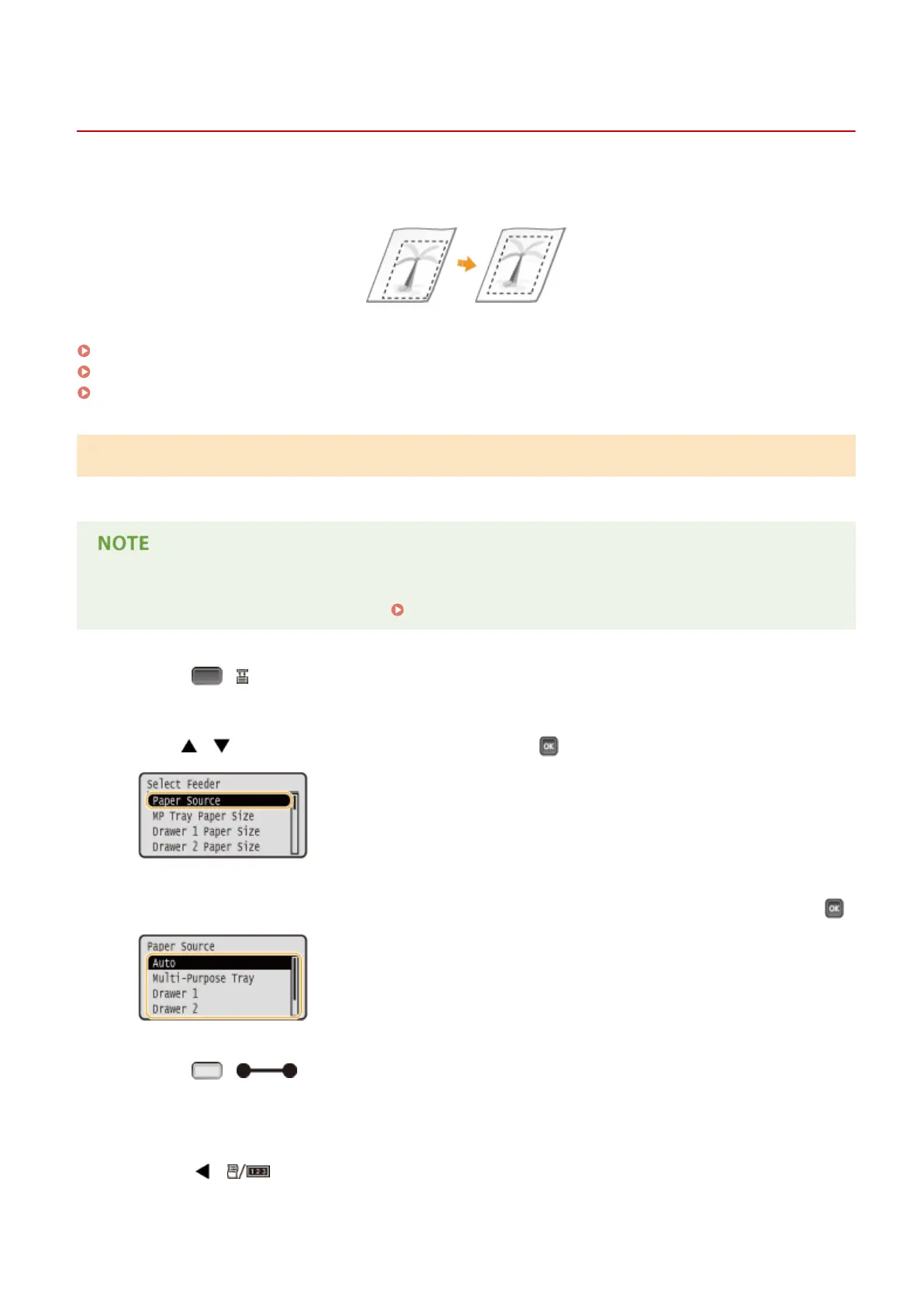
Adjusting Print Position
0YSF-075
If a document is printed off-center or out of the printable range, adjust the print position. You can adjust the print
position for each paper source.
Step 1: Printing the Current Print Position(P. 582)
Step 2: Checking the Direction and Distance to Adjust(P. 583)
Step 3: Adjusting the Print Position for Each Paper Source(P. 584)
Step 1: Printing the Current Print Position
You can perform "Printing Position Adjustment Print" to check the direction and distance to adjust.
● When you want to check the print position for 2-sided printing, set <2-Sided Printing> to <On> in the setting
menu of the operation panel in advance. 2-Sided Printing(P. 507)
1
Press ( ).
2
Use / to select <Paper Source>, and press .
3
Select the paper source for which you want to check the print position, and press .
4
Press ( ).
➠ The screen returns to the main screen.
5
Press ( ).
Maintenance
582



 To Next Page