Connecting to a Wired LAN
0YSF-033
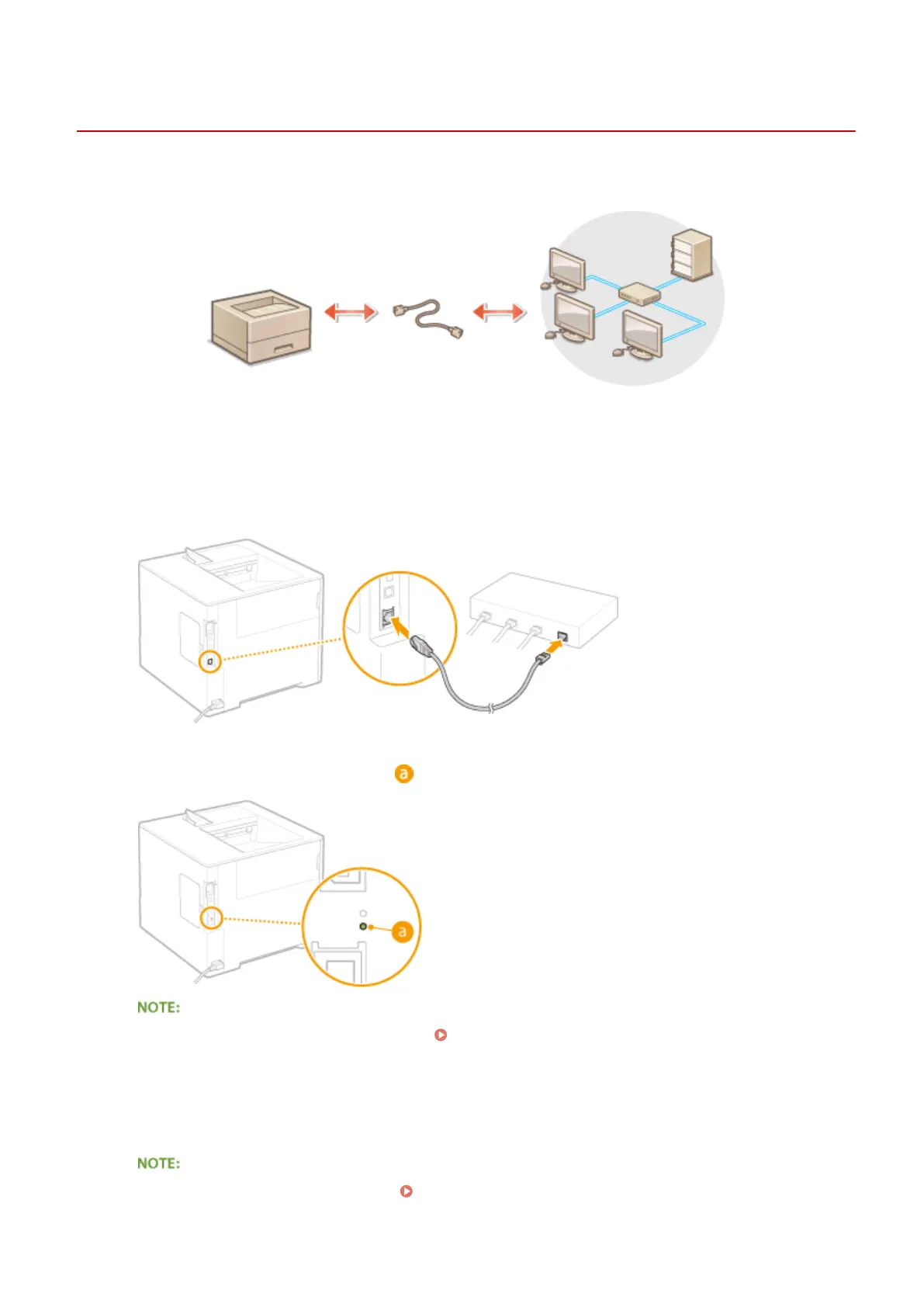
Connect the machine to a computer via a router. Use a LAN cable to connect the machine to the router.
1
Connect a LAN cable.
● Connect the machine to a router by using a LAN cable.
● Push the connector in until it clicks into place.
2
Check that the LNK indicator ( ) is lit.
● When the LNK indicator does not light up. Problems with the Wired LAN Connection(P. 542)
3
Wait approximately 2 minutes.
● While you wait, the IP address is set automatically.
● You can set the IP address manually. Setting IP Addresses(P. 190)
Network
188



 To Next Page