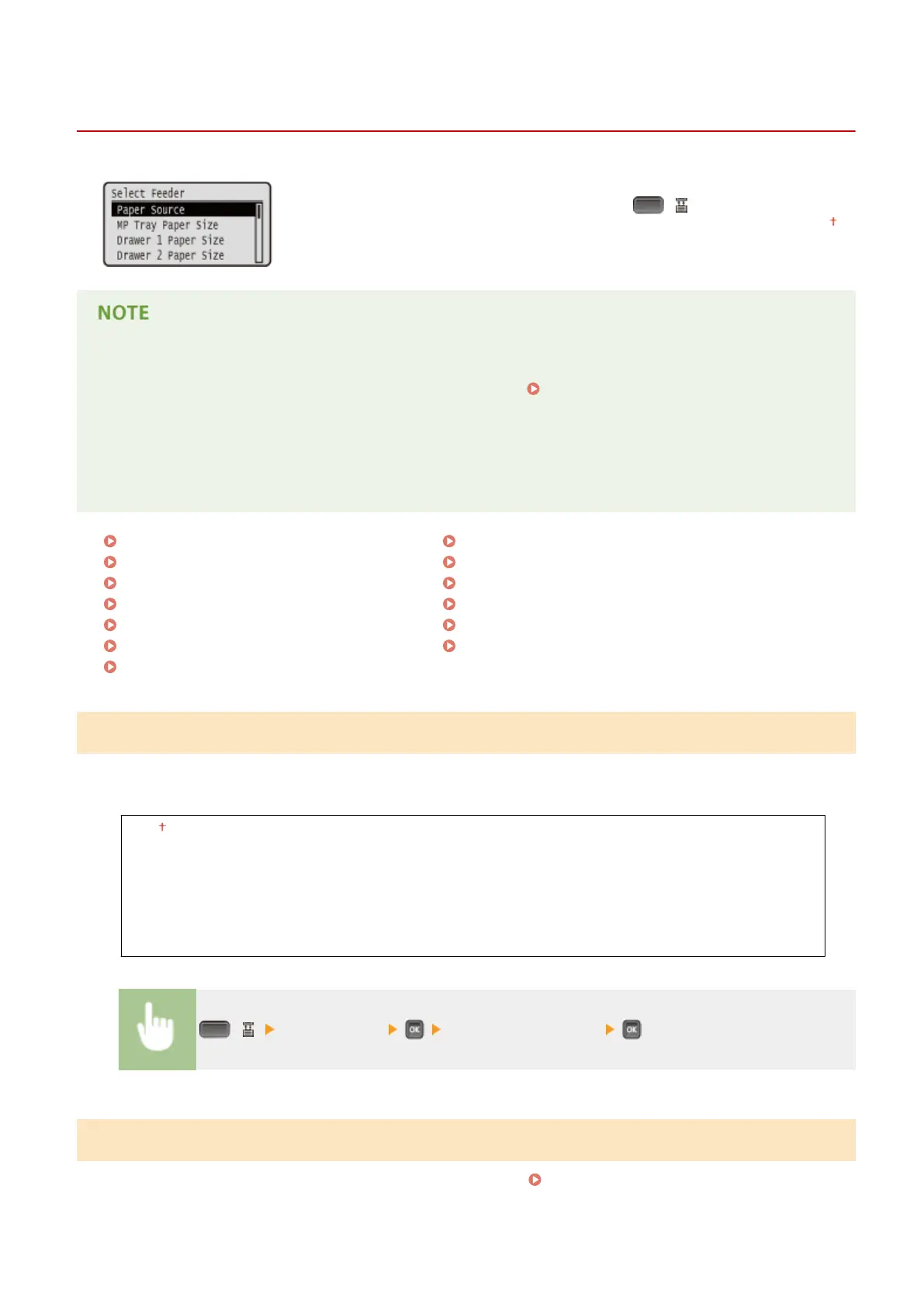
Select Feeder Menu
0YSF-068
The settings about the paper source and the size of paper loaded in the machine
are listed with short descriptions. When you press ( ) on the operation panel,
the Select Feeder menu is displayed. Default settings are marked with a dagger ( ).
Common settings
● The settings are the same as those for <Paper Source> in the Setup Menu(P. 363) . The settings specied
here are also applied to the <Paper Source> settings.
Asterisks (
*
)
● Settings marked with an asterisk (
*
) are not displayed depending on other settings or whether an optional
paper feeder is installed in the machine.
Paper Source(P. 500)
MP Tray Paper Size(P. 500)
Drawer N Paper Size (N=1, 2, 3, 4)(P. 501)
Standard Paper Size(P. 502)
MP Tray Priority(P. 503)
MP Tray for Mix Ppr.(P. 503)
Auto Select Drawer(P. 503)
Auto Detect Ppr Type(P. 504)
Default Paper Type(P. 505)
MP Tray Paper Type(P. 506)
Drawer N Paper Type (N=1, 2, 3, 4)(P. 506)
Manual 2-Sided (MP)(P. 506)
2-Sided Printing(P. 507)
Paper Source
Select the paper source from which paper is fed. When you want to automatically change the paper source based on
the paper size and paper type, select <Auto>.
Auto
Multi-Purpose Tray
Drawer 1
Drawer 2
*
Drawer 3
*
Drawer 4
*
( ) <Paper Source> Select the paper source
MP Tray Paper Size
Specify the size of the paper that is loaded in the multi-purpose tray. Specifying Paper Size and Type in the Multi-
Purpose Tray(P. 60)
Setting Menu List
500



 To Next Page