Replacing Toner Cartridges
0YSF-070
The machine will display a message when a toner cartridge is nearly empty. Note that the print quality becomes poor if
you continue printing without taking any action. You can check the amount remaining in the toner cartridge on the
display.
When a Message Appear(P. 566)
If Printouts are Poor in Quality(P. 567)
Checking the Amount Remaining in the Toner Cartridge(P. 567)
◼
When a Message Appear
Depending on which message is displayed, you will need to make sure that you have a replacement toner cartridge
ready or replace the toner cartridge. How to Replace Toner Cartridges(P. 569) Consumables(P. 625)
● "X" in the following message represents a CMYK color.
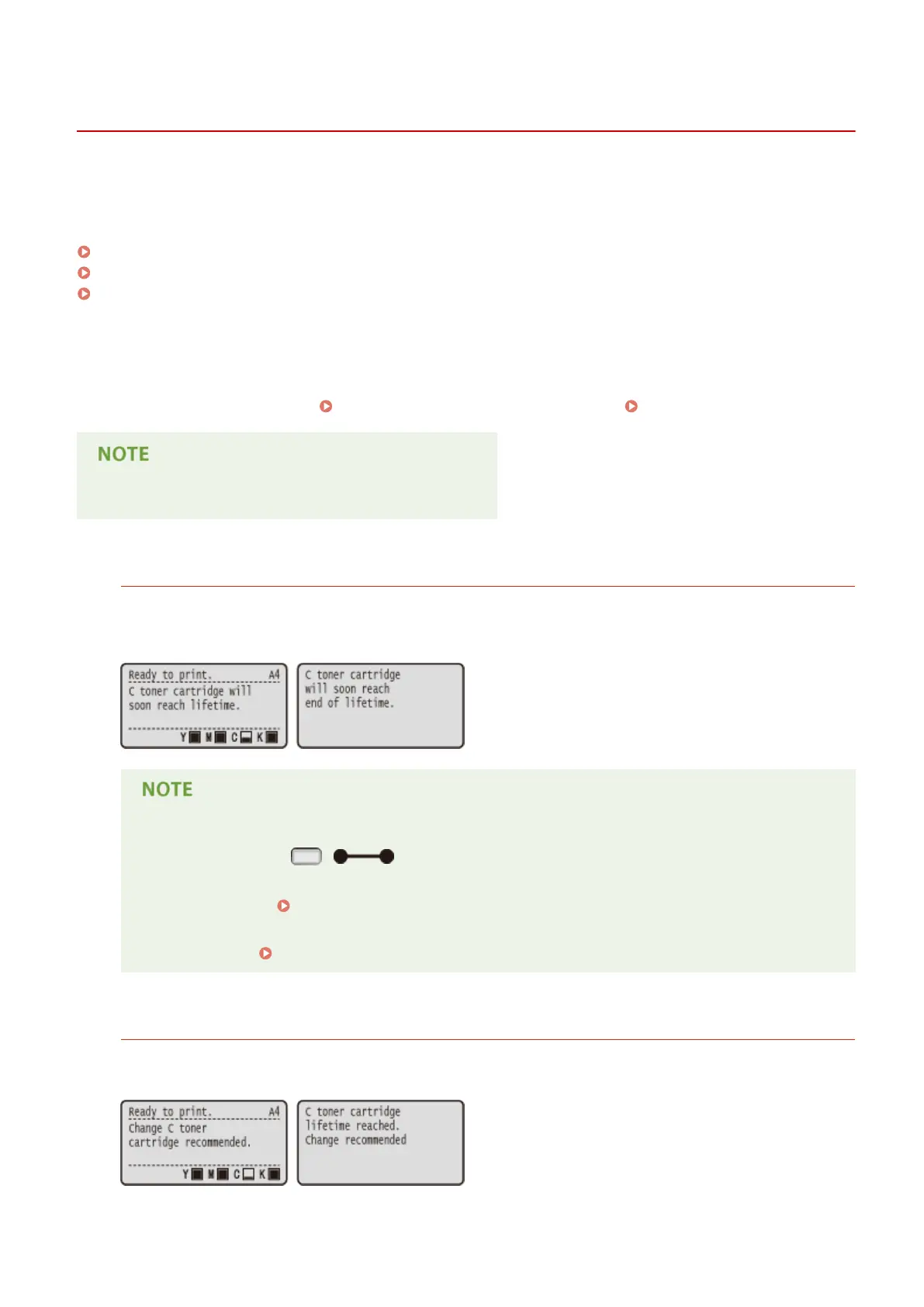
<X toner cartridge will soon reach lifetime.>
<X toner cartridge will soon reach end of lifetime.>
This message noties you that the toner cartridge for the indicated color needs to be replaced soon. Make sure
that you have a replacement toner cartridge ready. Replace the toner cartridge if you see this message before
you start to print a large job.
● When the <Ready to print.> message is not displayed, the printing is temporarily stopped. To resume
the printing, press ( ).
● Which message is to be displayed depends on the <Warning Step> setting in the setting menu of the
operation panel.
Warning Step(P. 367)
● You can set any value as the percentage of the amount remaining in the toner cartridge that triggers
this message. Spec Tnr Chk Timing(P. 435)
<Change X toner cartridge recommended.>
<X toner cartridge lifetime reached. Change recommended>
The toner cartridge for the indicated color has reached the end of its lifetime. It is recommended that you
replace this cartridge with a new one.
Maintenance
566



 To Next Page