Disabling the LAN Port
0YSF-04H
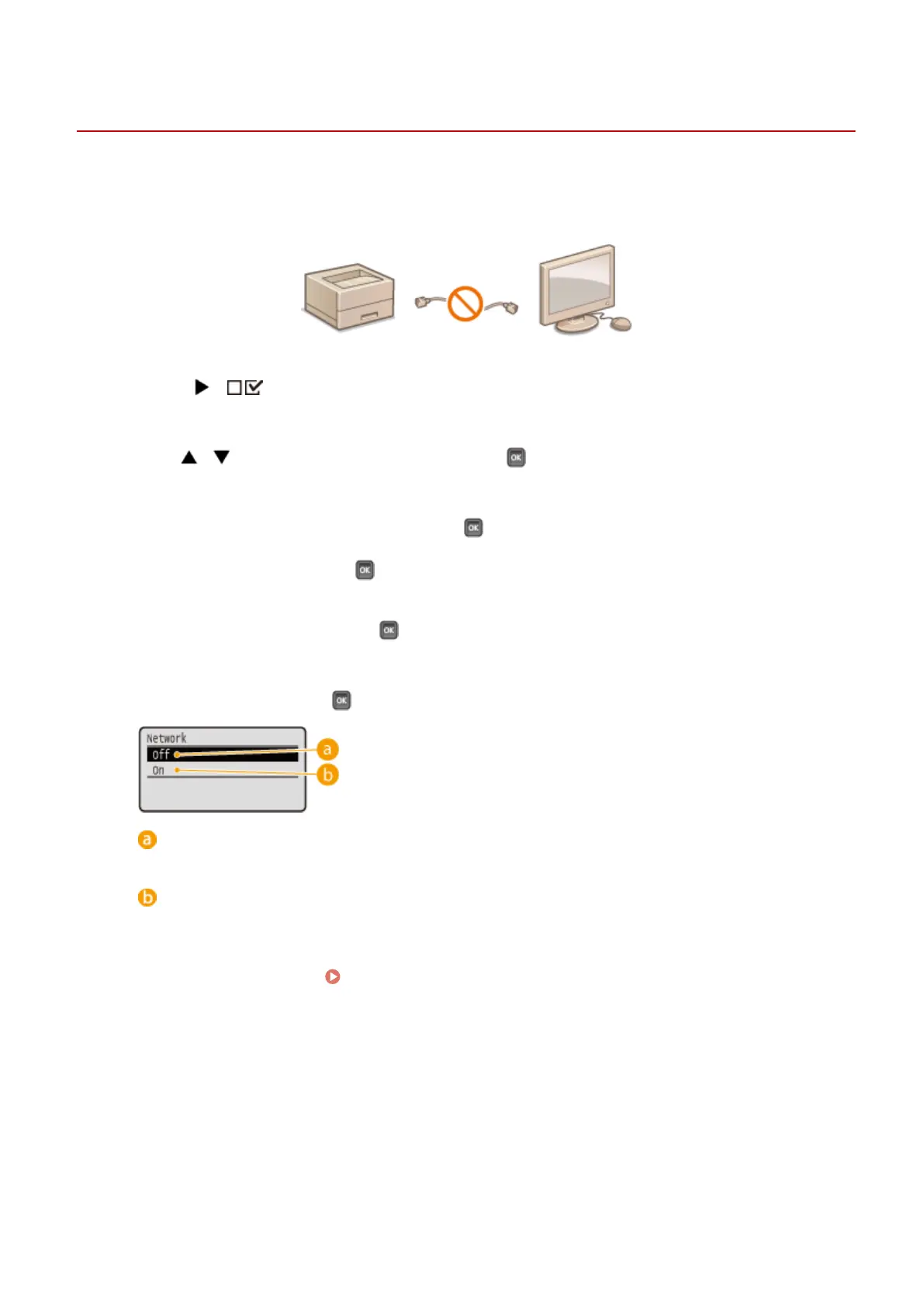
A LAN port is an interface that connects a LAN cable for using a network. When you are using the machine via USB, you
can disable the LAN port to completely shut down the network, blocking malicious third-party intrusions via the LAN
port.
1
Press ( ).
2
Use / to select <Interface>, and press .
3
Select <Interface Selection> and press .
● When a message appears, press .
4
Select <Network> and press .
5
Select <Off> and press .
<Off>
Disables the LAN port.
<On>
Enables the LAN port.
6
Perform a hard reset. Performing a Hard Reset(P. 498)
➠ The settings are enabled after the hard reset is performed.
Security
293



 To Next Page