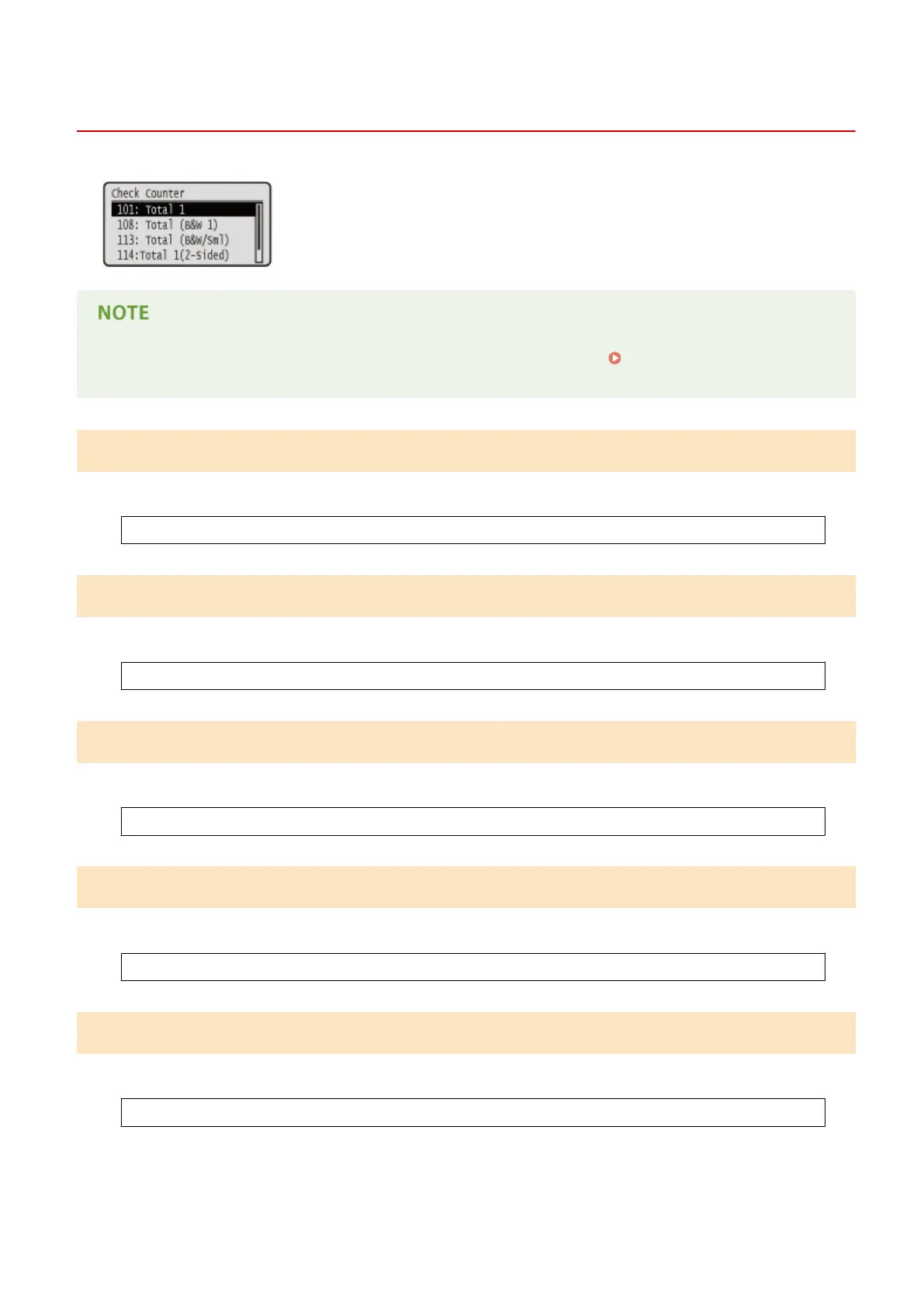
Check Counter
0YSF-063
You can check the total number of printed pages.
● You can also check the counter value by selecting <Check Counter> in the Utility Menu(P. 491) as well as
this item.
101: Total 1
You can check the total number of pages printed.
(Display only)
108: Total (B&W 1)
You can check the number of pages printed in black and white.
(Display only)
113: Total (B&W/Sml)
You can check the number of pages printed in black and white.
(Display only)
114:Total 1(2-Sided)
You can check the number of pages printed in 2-sided printing mode.
(Display only)
123:Total(Full+1C/S)
You can check the number of pages printed in color (other than e-mail printing).
(Display only)
Setting Menu List
489



 To Next Page