Preparing for Using the FTP Server
0YSF-089
Because the factory default settings prevent operations from FTP clients, specify settings to allow the operations.
1
Start the Remote UI and log on in Management Mode. Starting Remote UI(P. 336)
2
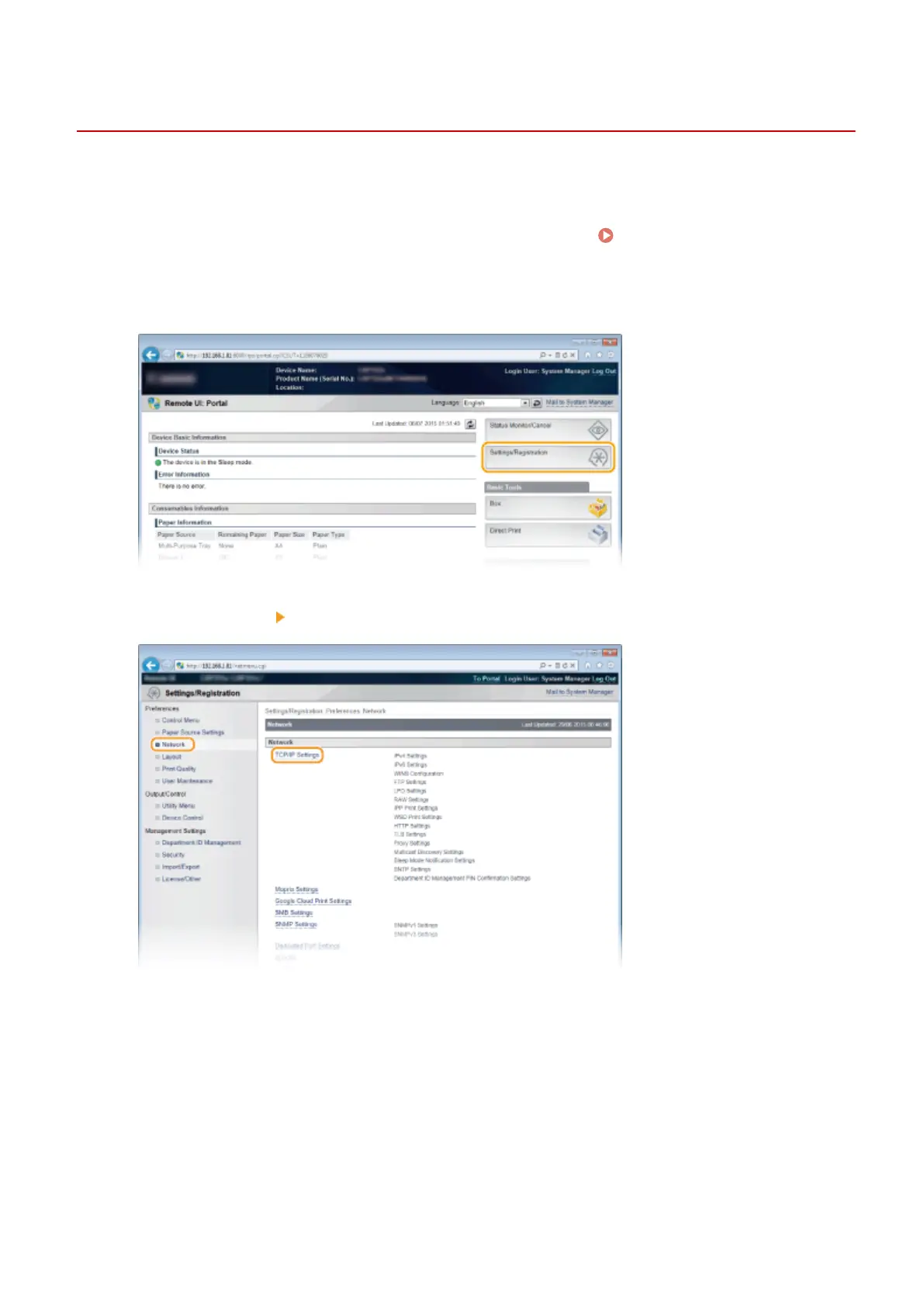
Click [Settings/Registration].
3
Click [Network] [TCP/IP Settings].
4
Click [Edit] in [FTP Settings].
Appendix
648



 To Next Page