Setting Color Mode
0YSF-08U
You can select a color mode (color or black and white). If a document has pages in
both color and black and white, by specifying auto mode, color pages are printed in
color, and black and white pages are printed in black and white automatically.
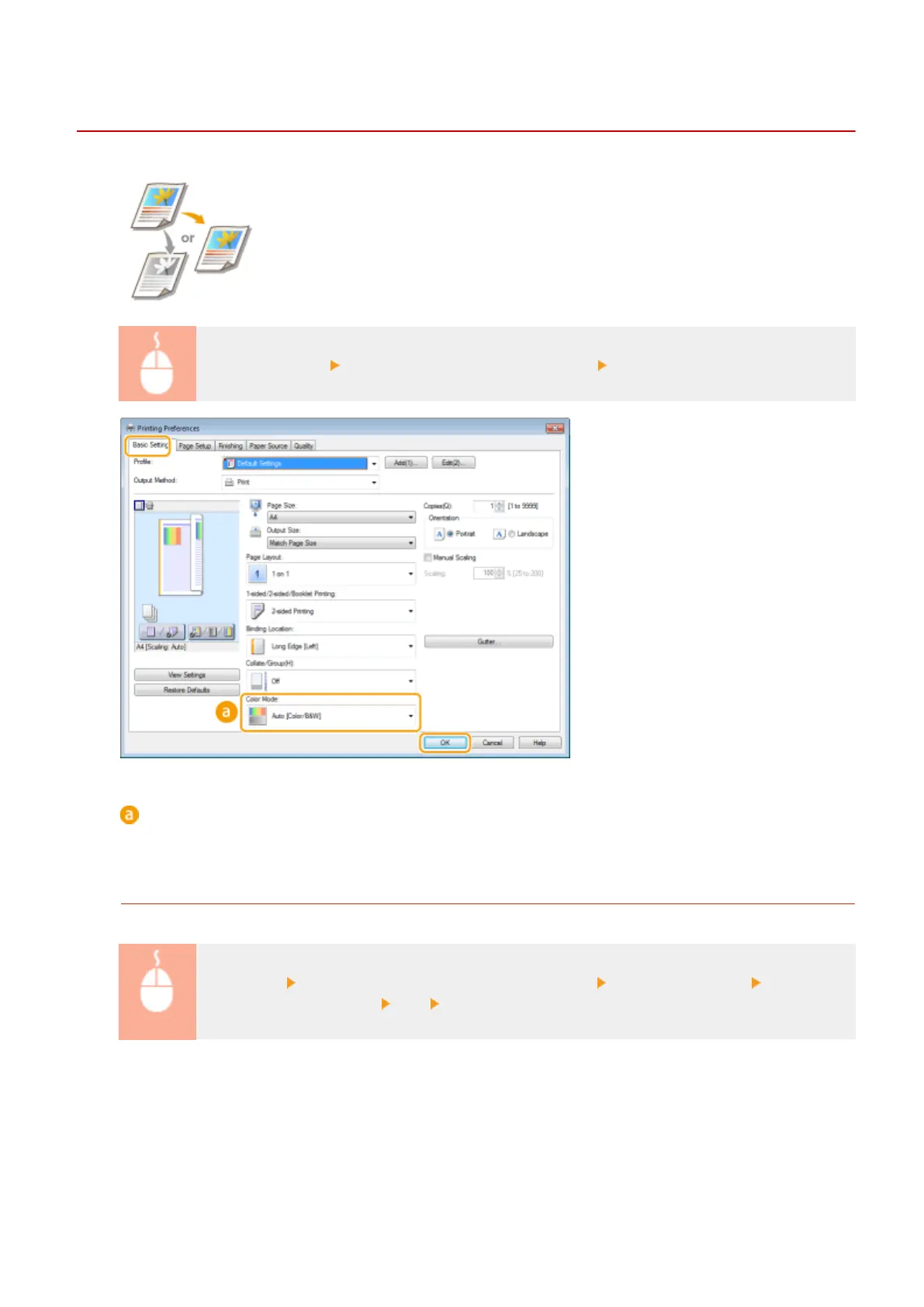
[Basic Settings] tab Select the color mode in [Color Mode] [OK]
[Color Mode]
Select [Black and White] or [Color]. If you select [Auto [Color/B&W]], the color
mode is automatically switched page by page.
To Specify the Detailed Color Settings
You can also specify the detailed color settings such as color adjustment and color matching.
[Quality] tab Select the [Manual Color Settings] check box Click [Color Settings] Specify the
color settings as necessary [OK] [OK].
Printing a Document
99



 To Next Page