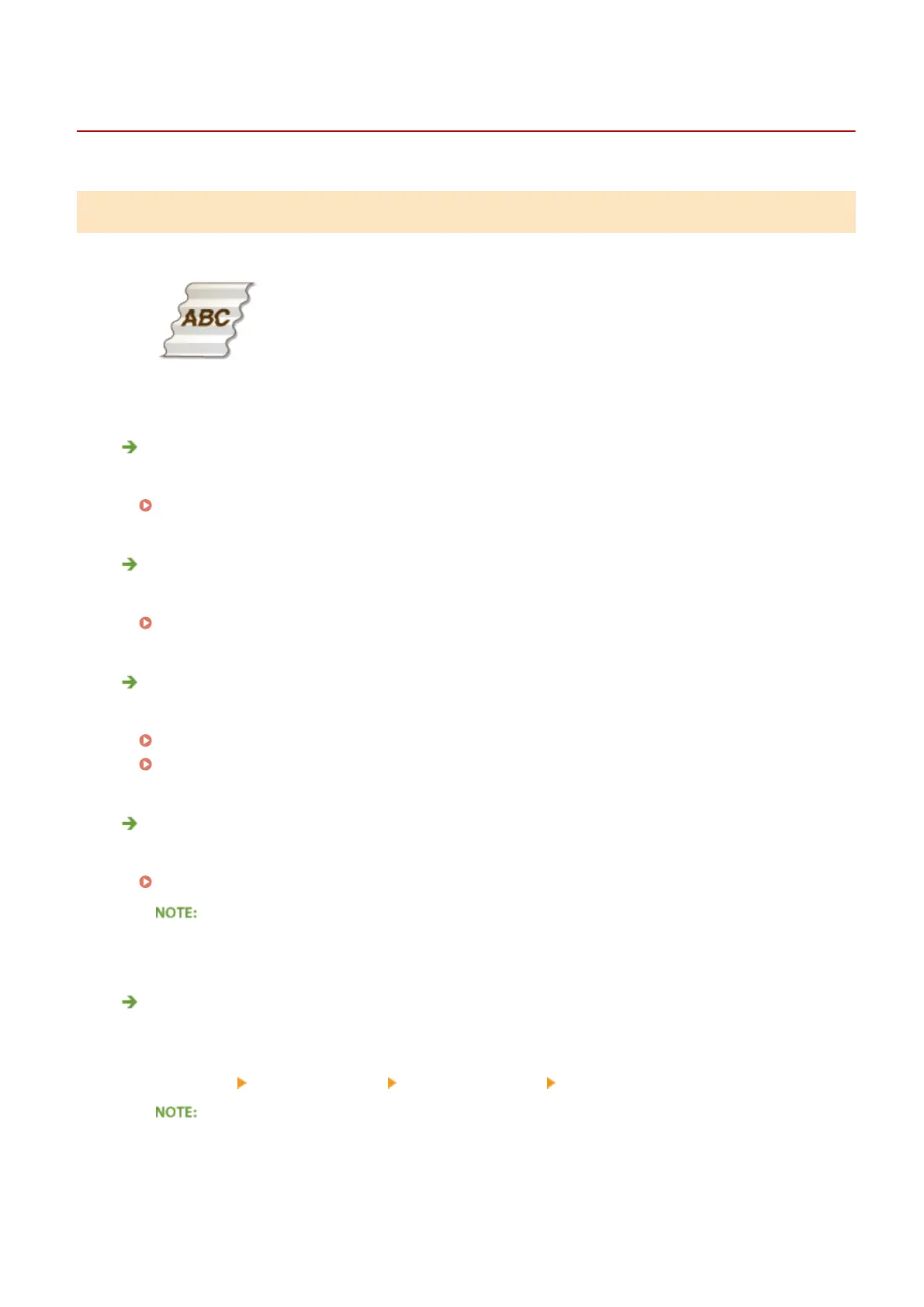
Paper Creases or Curls
0YSF-06L
Paper Creases
Is paper loaded correctly?
● If paper is not loaded below the load limit line or the load limit guide or is loaded obliquely, it may crease.
Loading Paper(P. 38)
Are you using paper that has absorbed moisture?
● Replace with appropriate paper.
Loading Paper(P. 38)
Are you using appropriate paper?
● Check usable paper, and replace with appropriate paper.
Paper(P. 620)
Loading Paper(P. 38)
Do creases form when you print on thin paper?
● Change the setting of <Reduce Waving (Thin)>. Selecting <On> may improve the problem.
Reduce Waving (Thin)(P. 426)
● If you select <On>, printouts may be faded.
Does this occur when you print on plain paper or envelopes?
● On the printer driver, change the setting of [Wrinkle Adjustment]. The problem may be improved by [Mode
1] when printing on paper whose type is Plain/Plain L/Plain L2, or by [Mode 2] when printing on envelopes.
[Finishing] tab [Advanced Settings] [Wrinkle Adjustment] Select the mode
● If you select [Mode 1], the printing speed will be slower.
● If you select [Mode 2], printed images may be smudged.
Troubleshooting
556



 To Next Page