Using Useful Print Functions
0YSF-026
You can use a variety of useful print functions as well as performing the basic print operations with the printer driver.
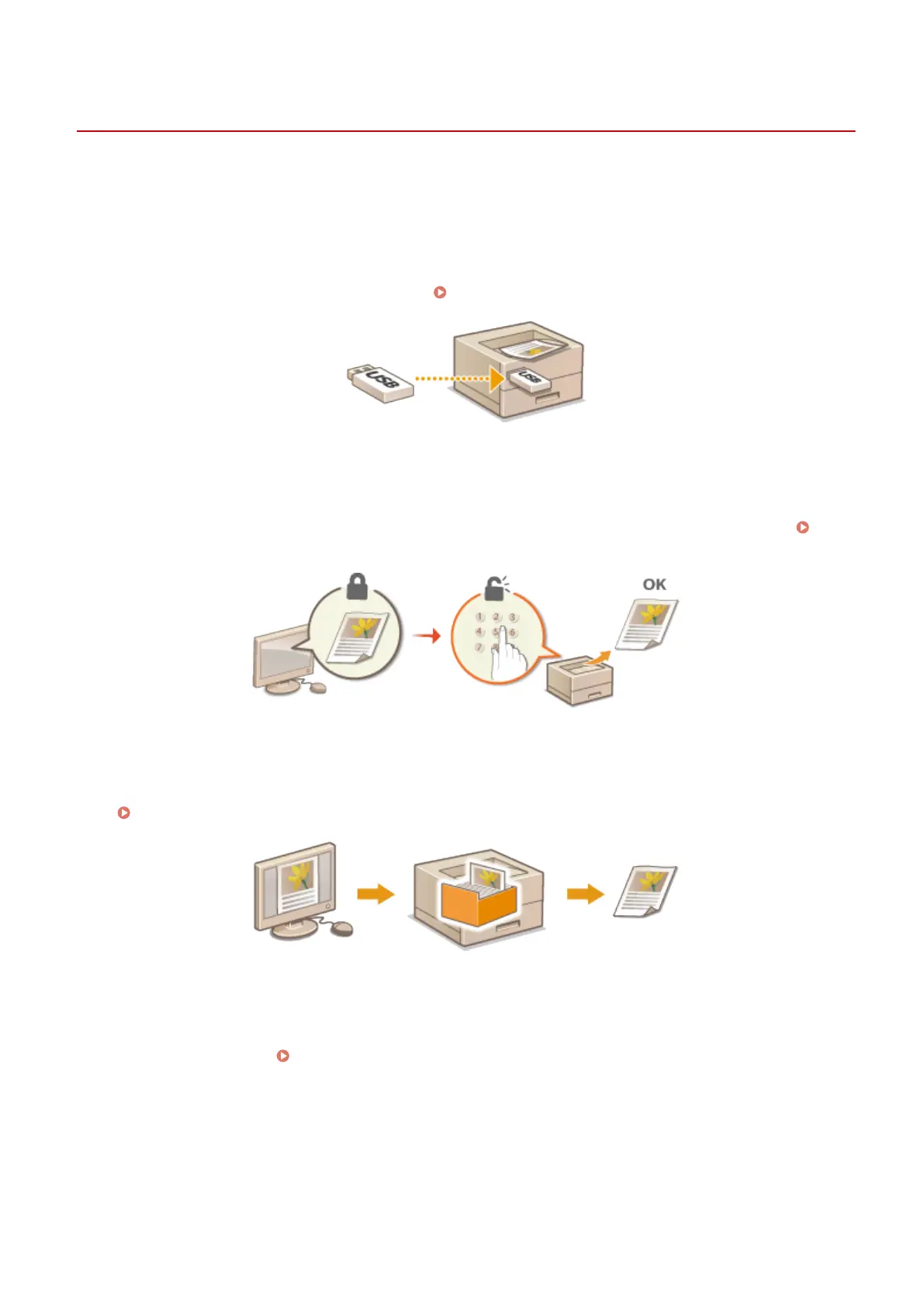
◼ Printing from USB Memory (USB Direct Print)
You can print PDF les and image les stored in a USB memory device by connecting it directly to the machine. Using
this function, you can print without using a computer. Printing from USB Memory (USB Direct Print)(P. 118)
◼
Printing a Document Secured by a PIN (Secured Print)
By setting a PIN to data that is sent to the machine from a computer, the data is not printed until the correct PIN is
entered on the operation panel of the machine. This function is useful when printing condential documents.
Printing a Document Secured by a PIN (Secured Print)(P. 130)
◼
Printing a Document Stored in the Machine (Stored Job Print)
You can save print data sent from a computer onto an SD card. The stored data can be printed as many times as you
want.
Printing a Document Stored in the Machine (Stored Job Print)(P. 136)
◼ Printing without Opening a File (Direct Print)
You can print les (PDF, JPEG, etc.) stored in your computer by sending them to the machine via a Web browser. No
specic application is needed.
Printing without Opening a File (Direct Print)(P. 145)
Printing a Document
116



 To Next Page